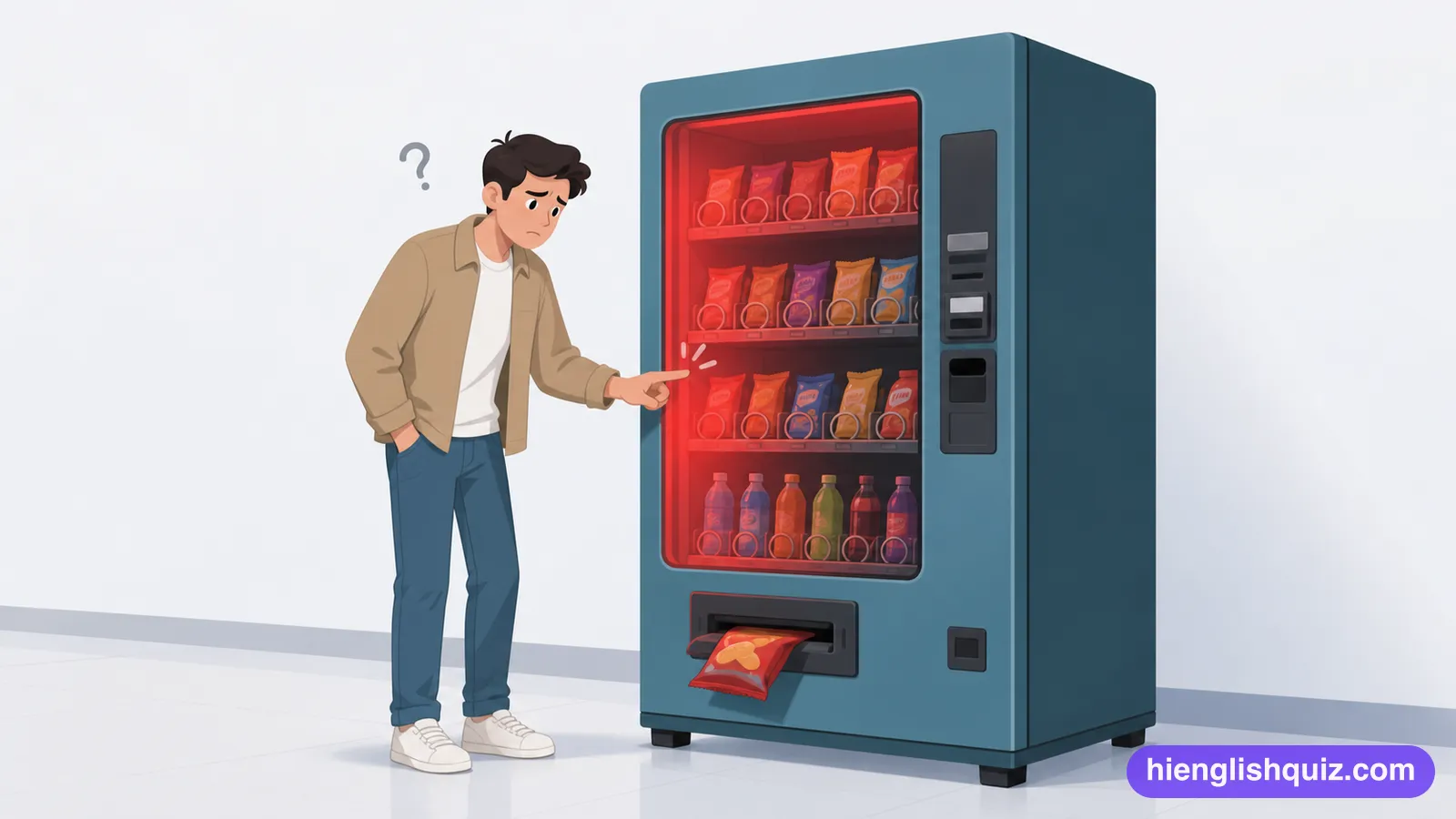
malfunction
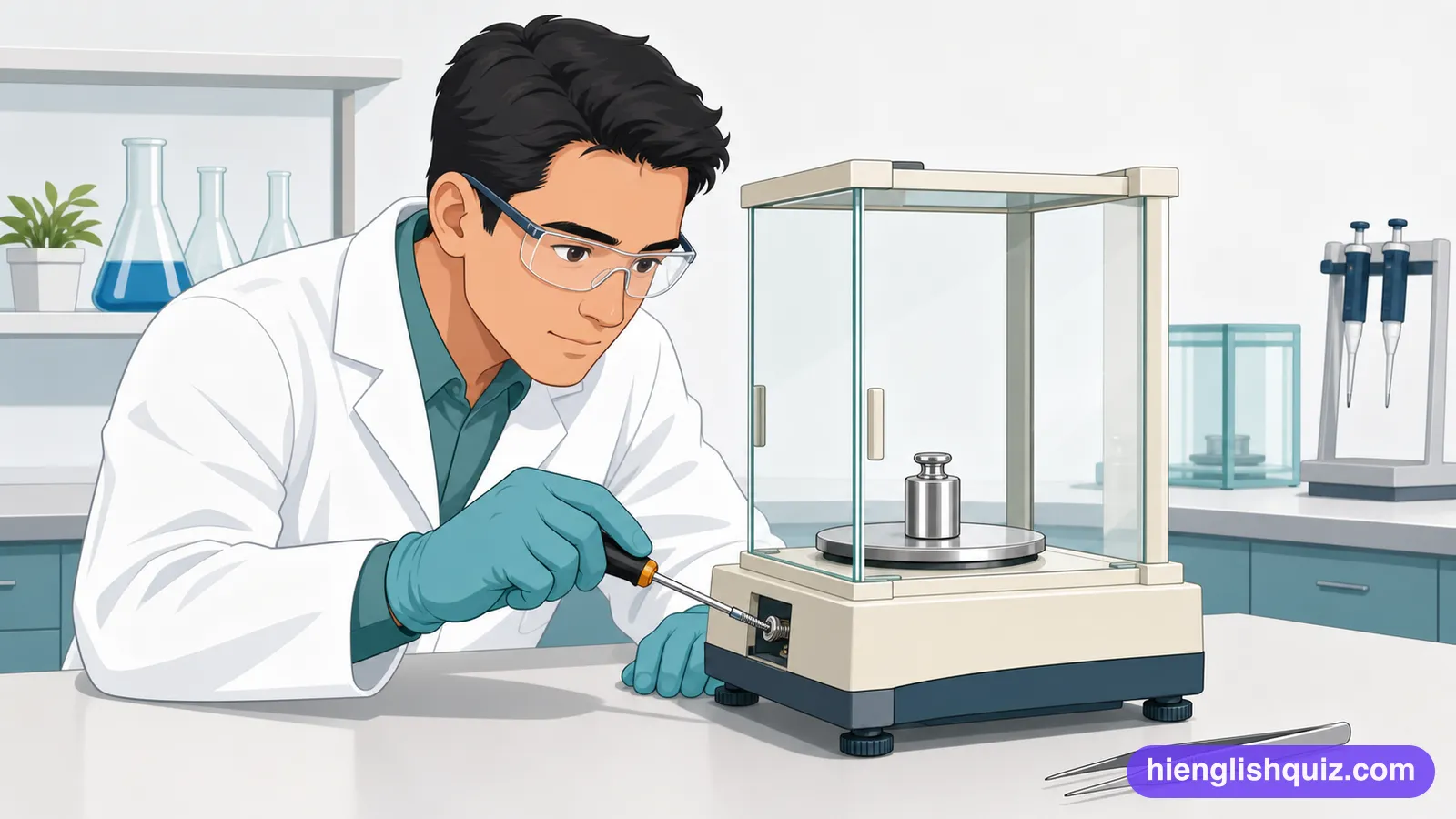
/mælˈfʌŋkʃən/To stop working properly, in a sudden and unexpected way.
Example: The lift malfunctions every time the weather turns humid.
 Hi EnglishQuiz
C122 words · Advanced
Device and software vocabulary such as interface, configure and debug, plus biometric, cloud backup and factory reset. Words for describing how devices are managed.
To stop working properly, in a sudden and unexpected way.
Example: The lift malfunctions every time the weather turns humid.
The screen, buttons and menus through which a person and a machine deal with each other.
Example: The new interface is much cleaner than the old one.
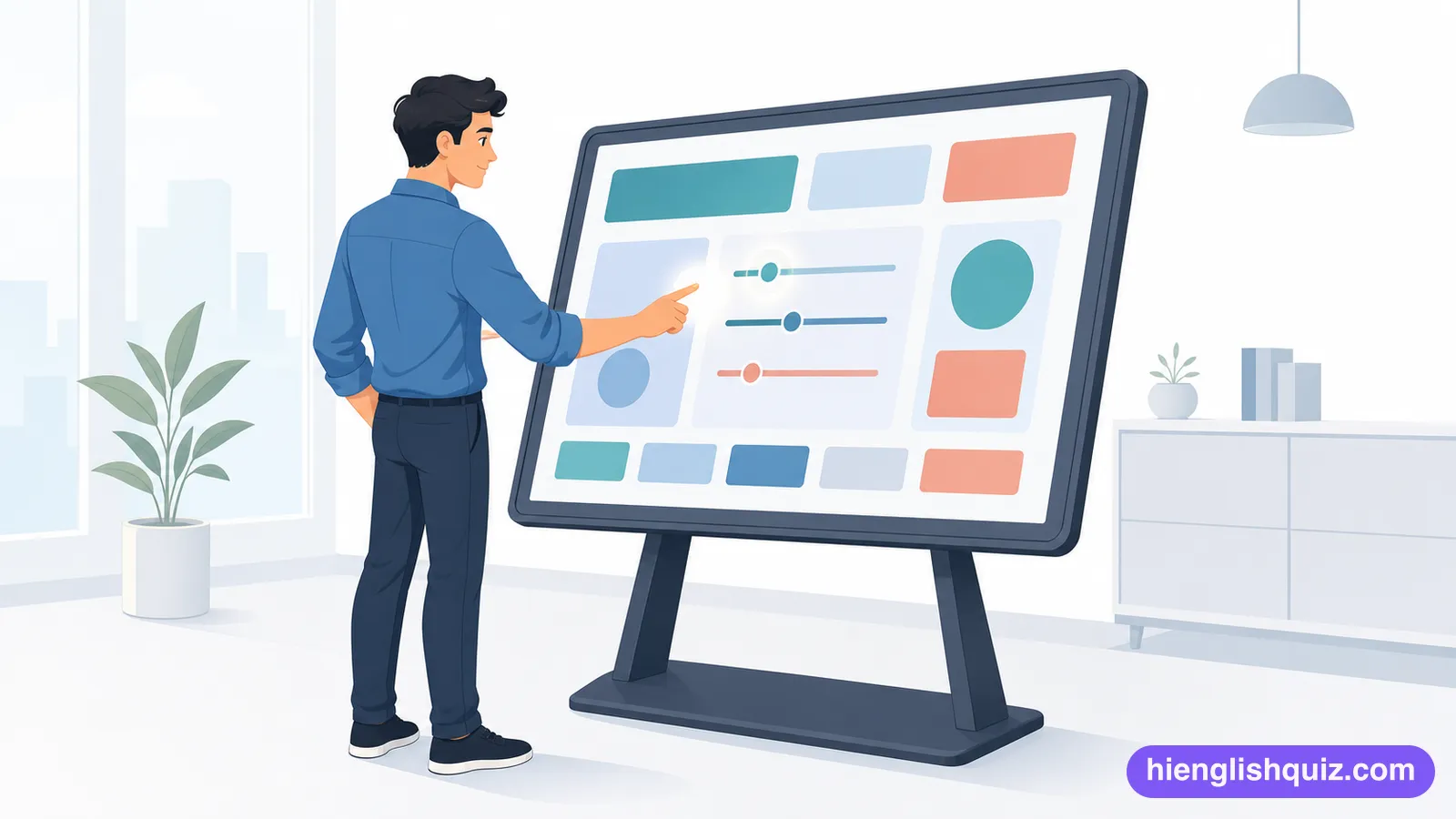
To set up a device or program by choosing the settings you want it to use.
Example: You'll need to configure the router before anyone can go online.
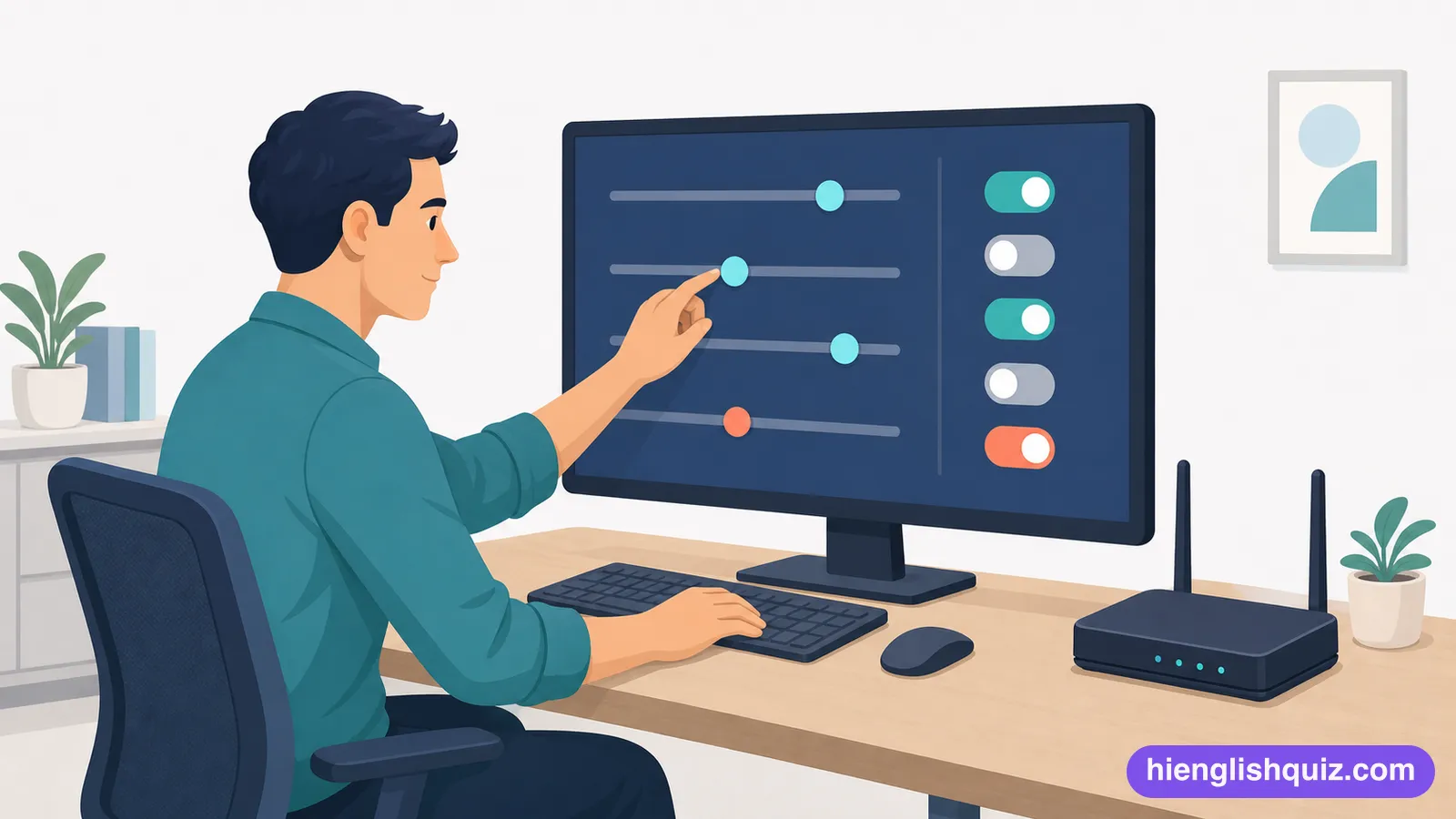
The setting a system uses automatically when nobody has chosen anything else.
Example: Just leave it on the default unless you know what you're changing.
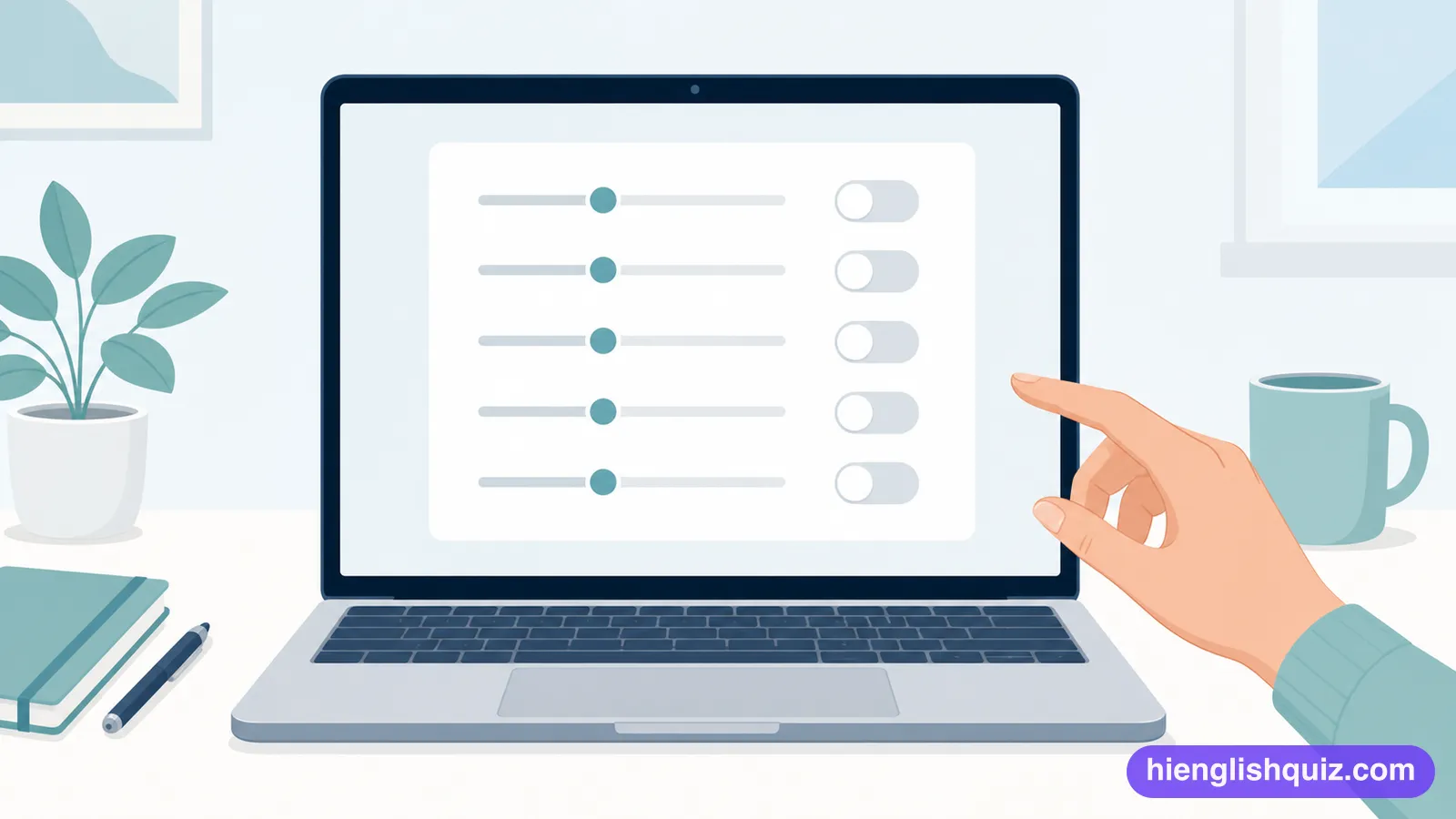
To combine one system or piece of software smoothly with another so that they work as one.
Example: The new app can integrate with your calendar automatically.
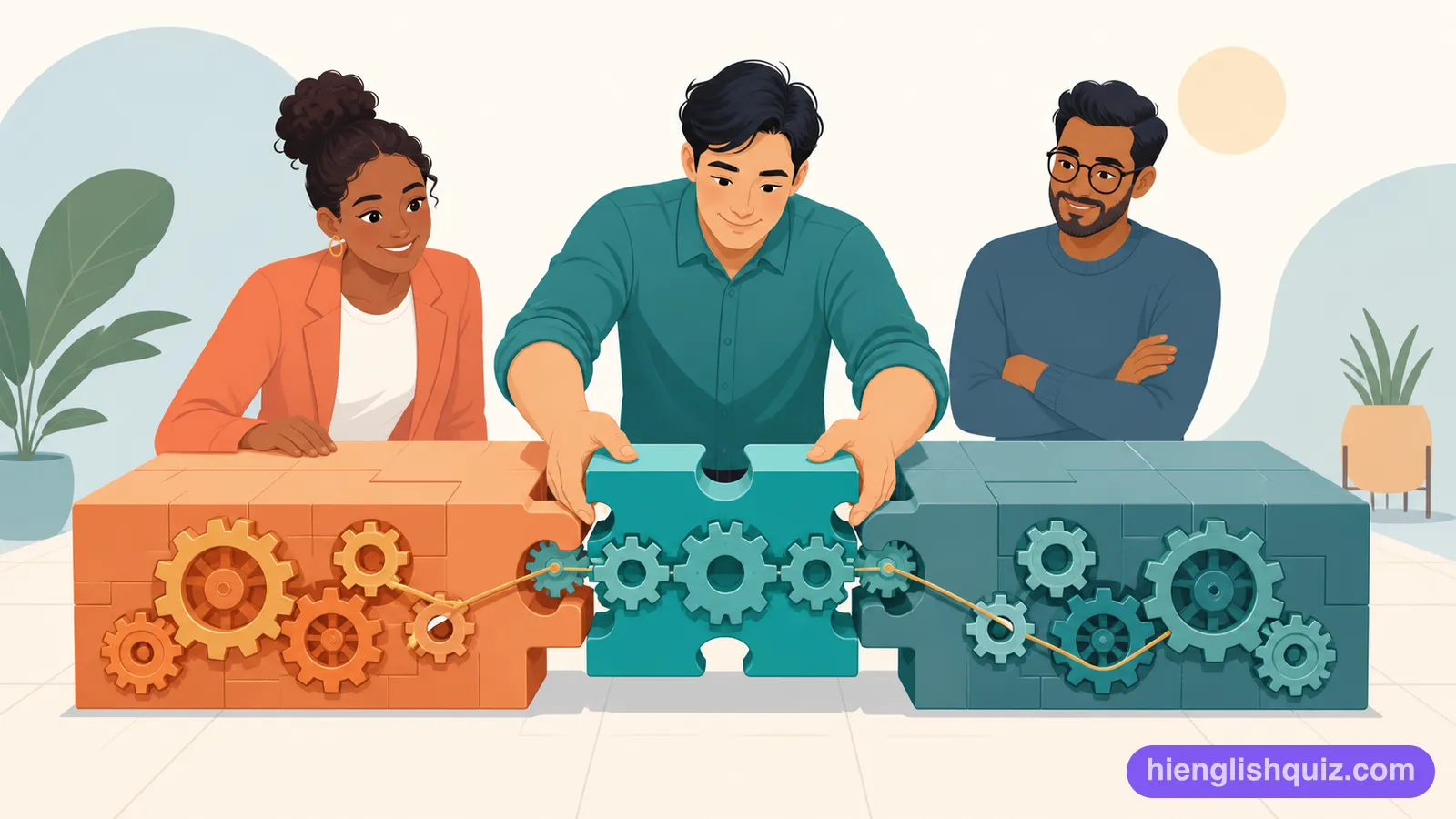
To make a new piece of software or a system available for people to start using.
Example: The team plans to deploy the update next week.
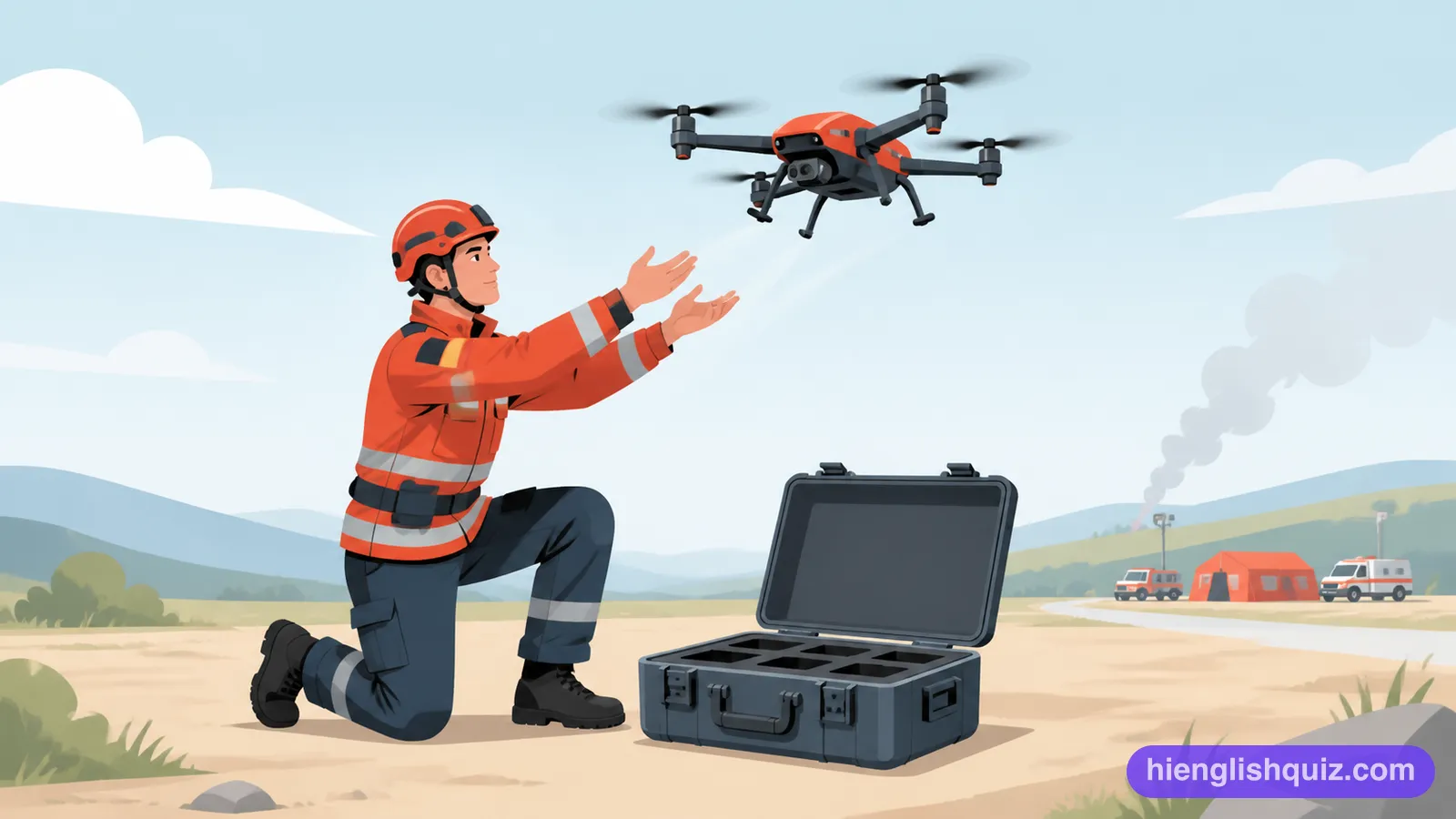
To find and remove errors in a computer program.
Example: It took hours to debug the new software.
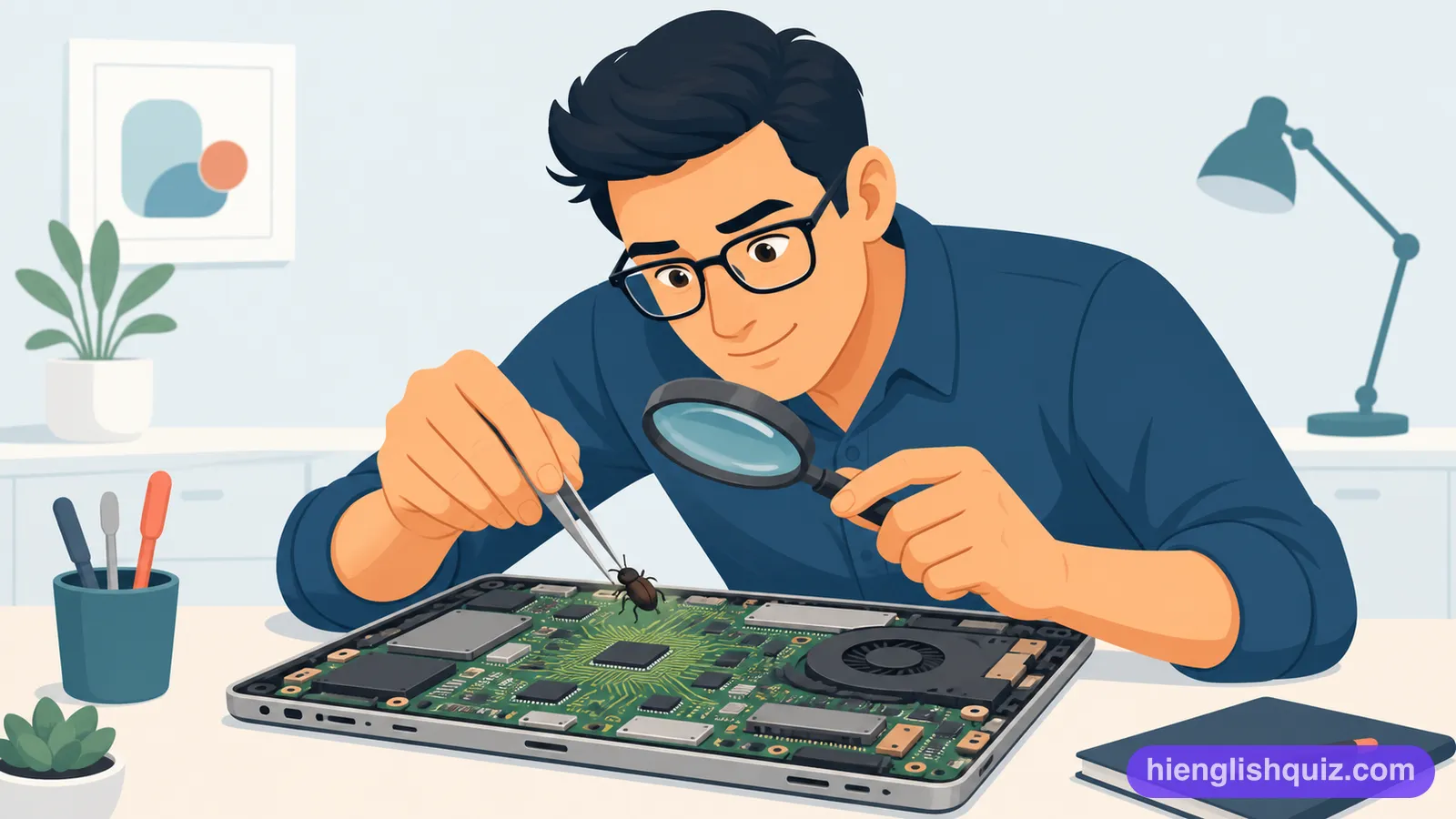
To use a manual command to stop an automatic setting or process from happening.
Example: You can override the default settings if you know what you're doing.
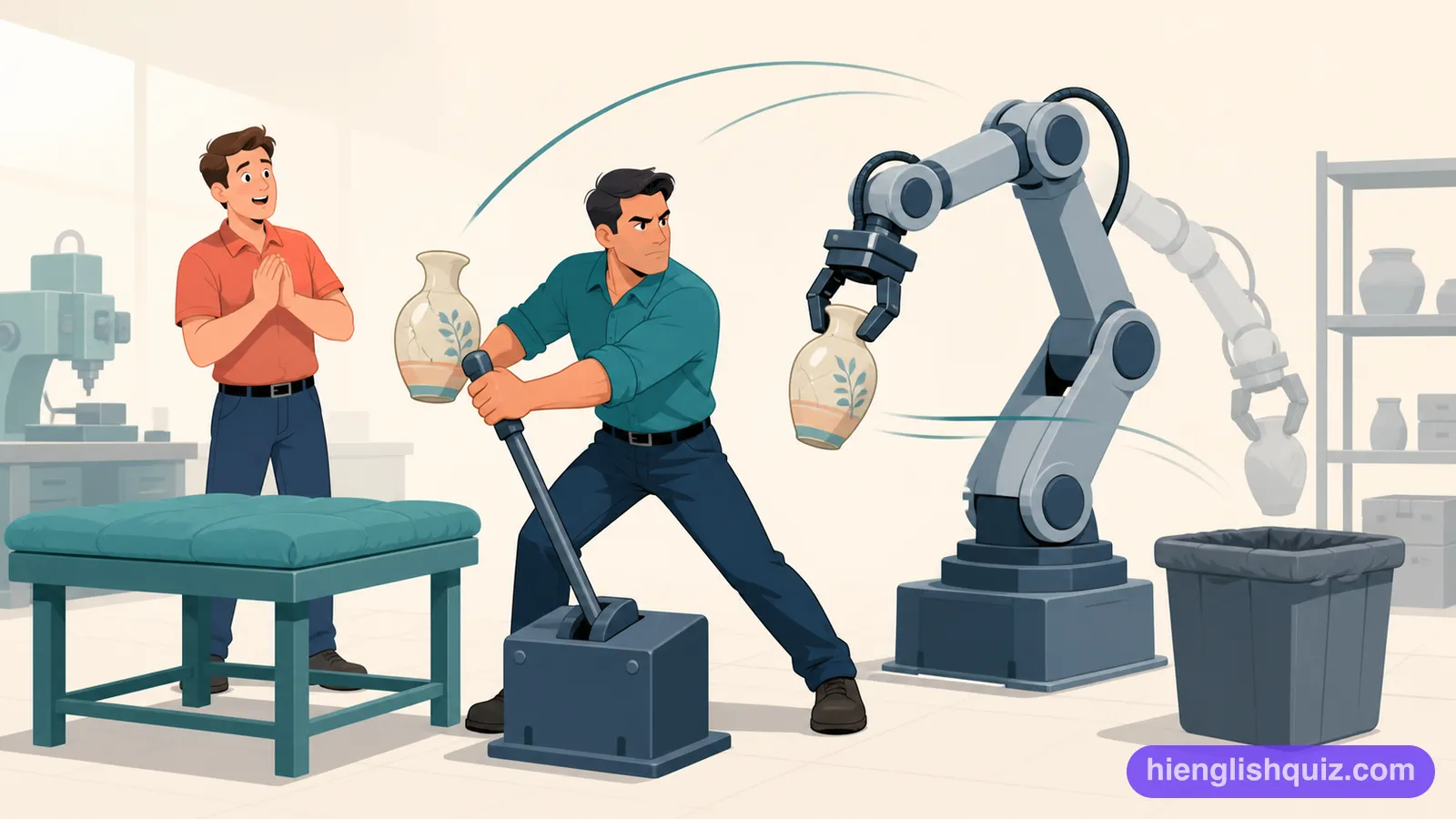
The amount of data or work that a system can process in a given period of time.
Example: Upgrading the server increased the network's throughput.
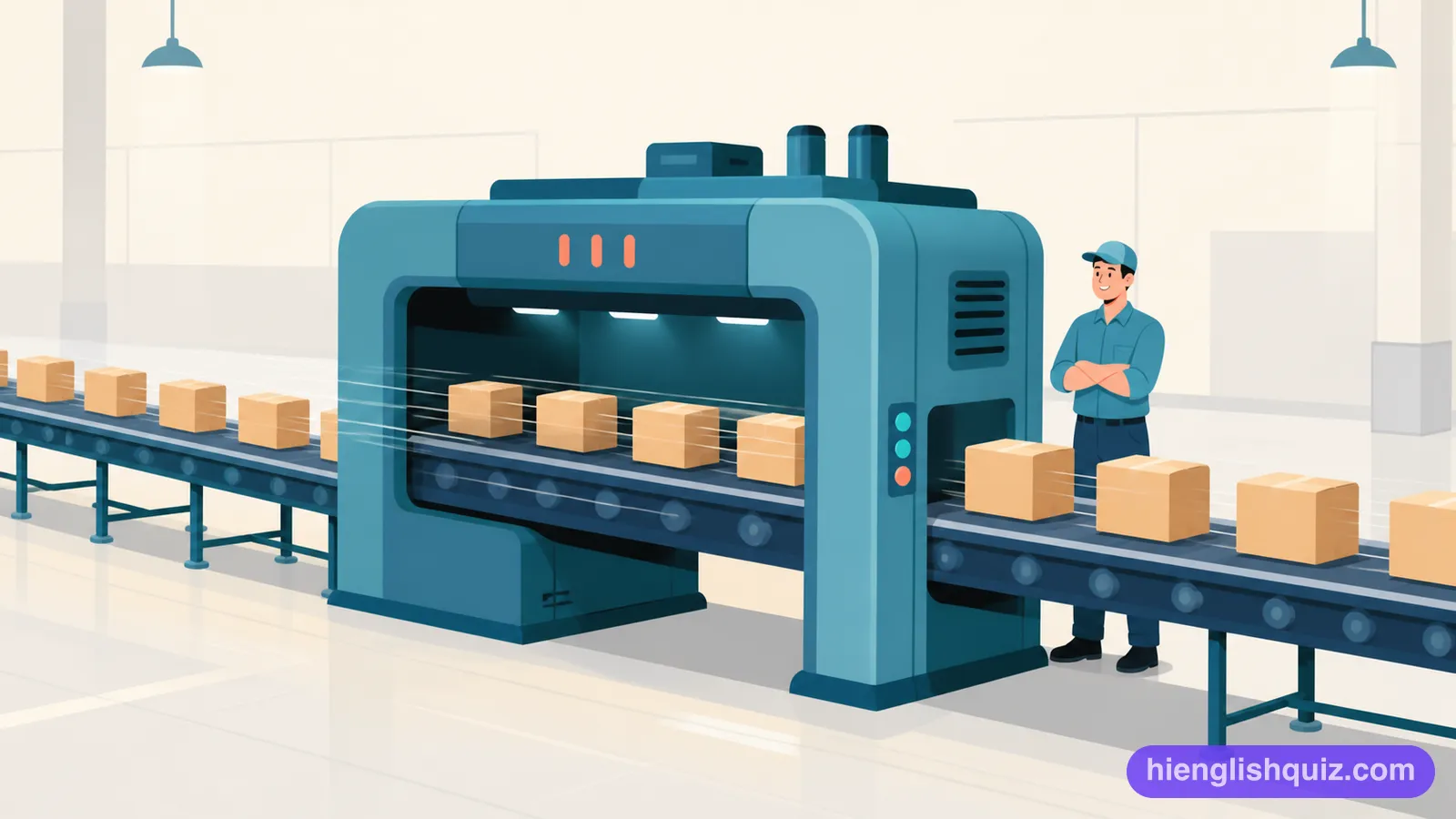
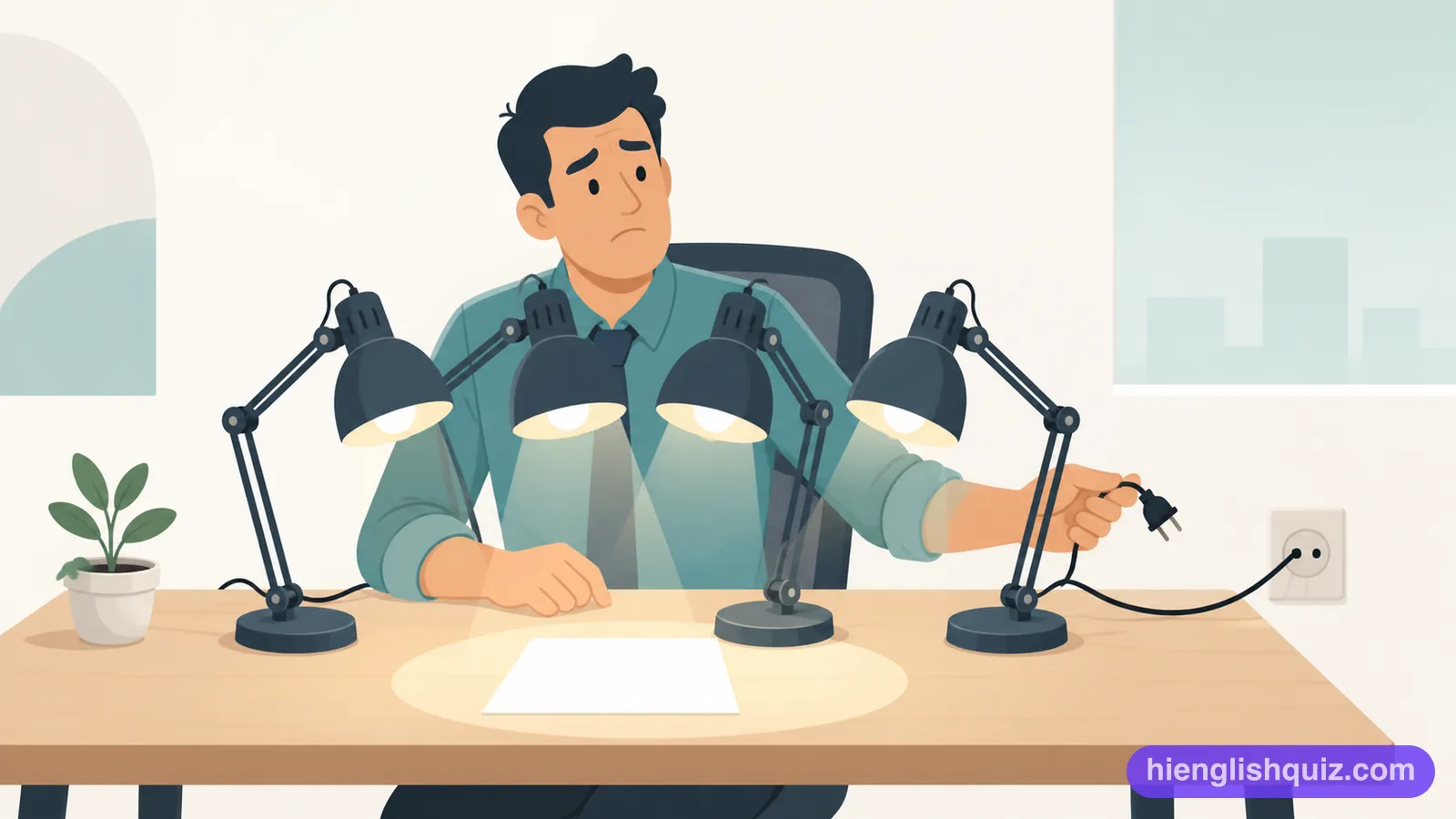
Having an extra copy of a system or part, kept ready in case the main one fails.
Example: The hospital keeps a redundant power supply in case of a cut.
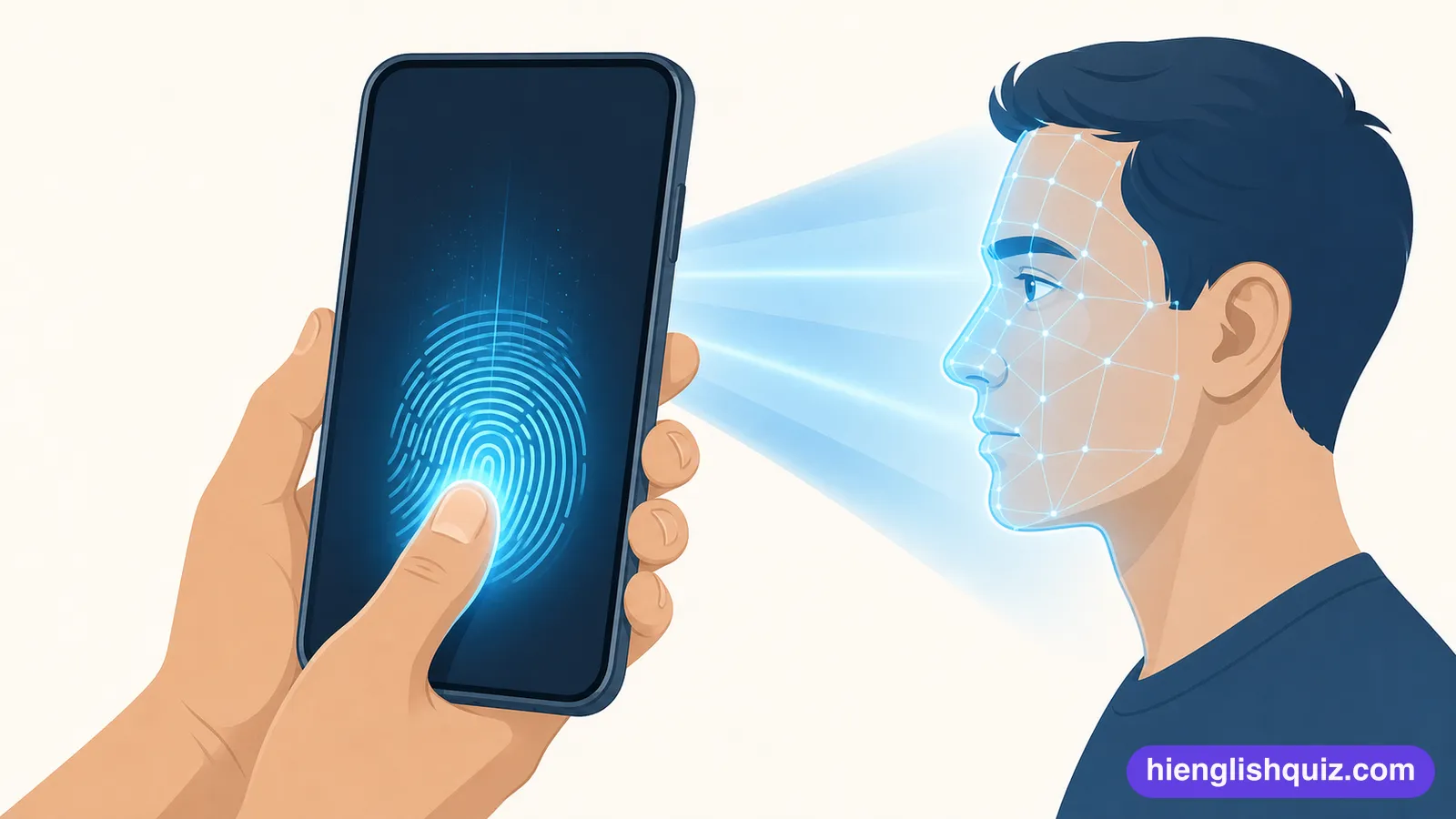
Using a part of your body, such as a fingerprint or face, to prove who you are.
Example: Most phones now unlock with a biometric check instead.
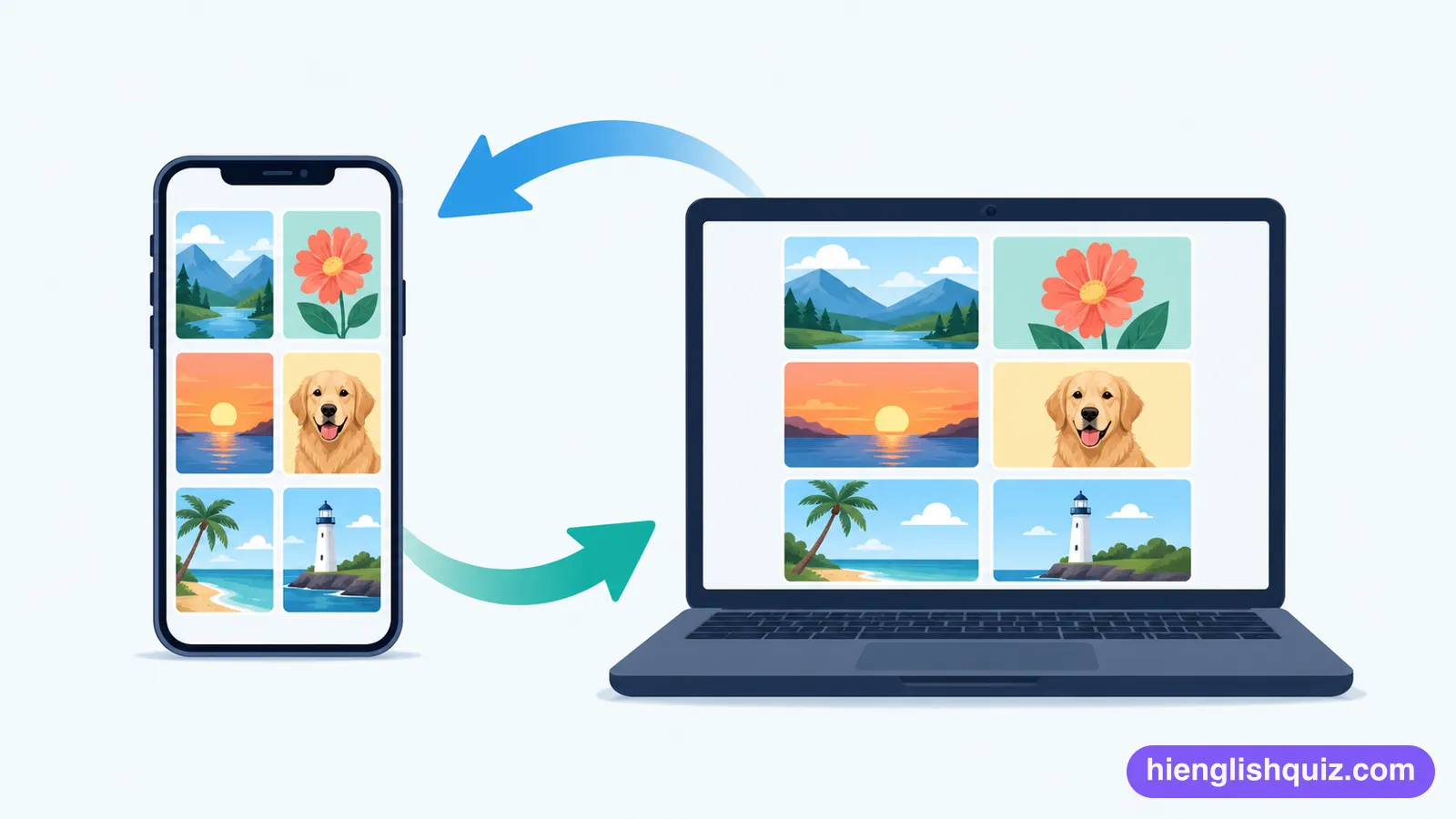
To make the files on two devices match, so a change on one shows up on the other.
Example: My photos sync automatically the moment I get home.
A small part of a phone that reads your fingerprint to unlock it or confirm your identity.
Example: I unlock my phone using the fingerprint sensor.
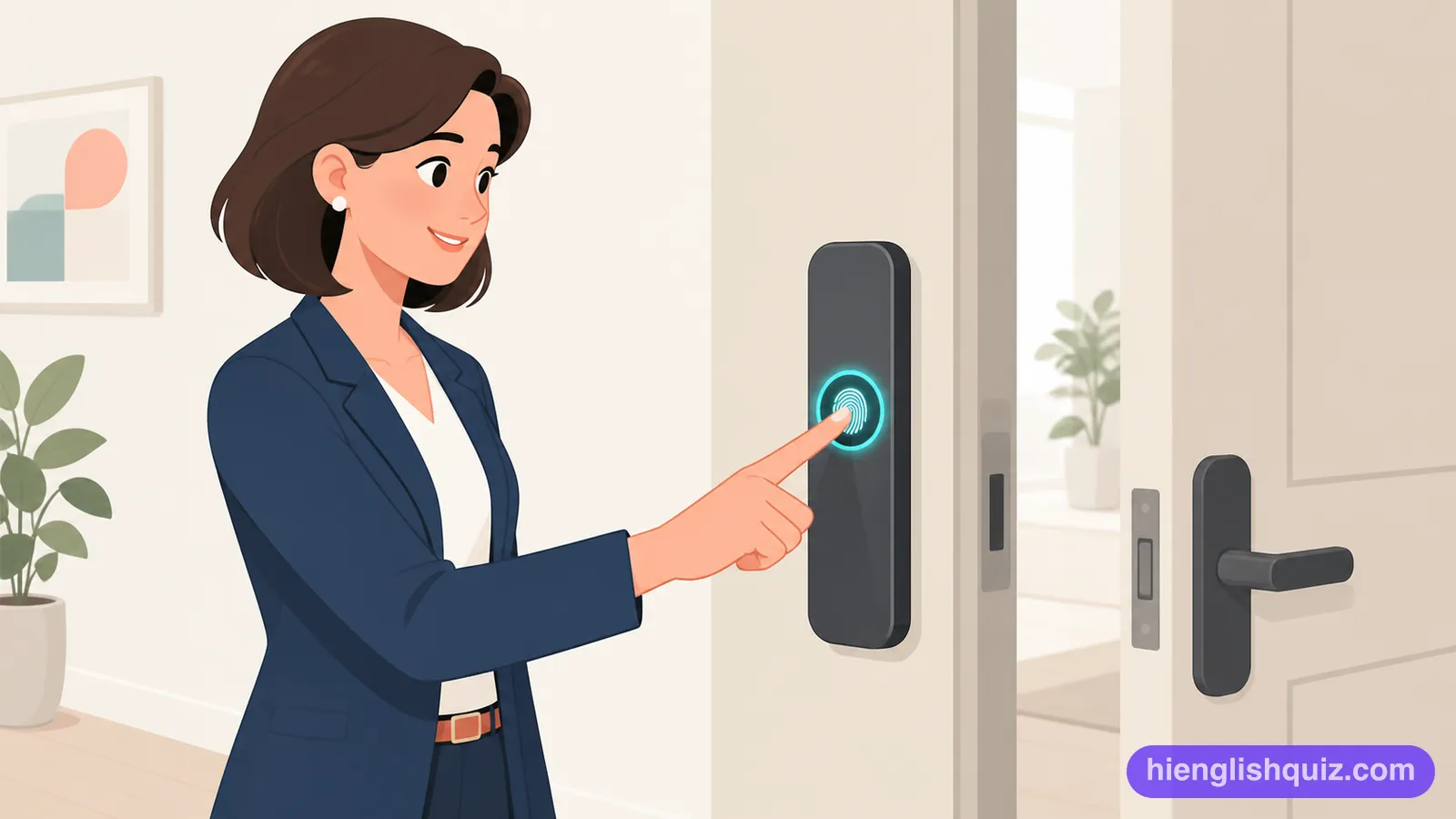
The rate at which a phone's battery loses power, especially when it happens quickly.
Example: Too many open apps can cause serious battery drain.
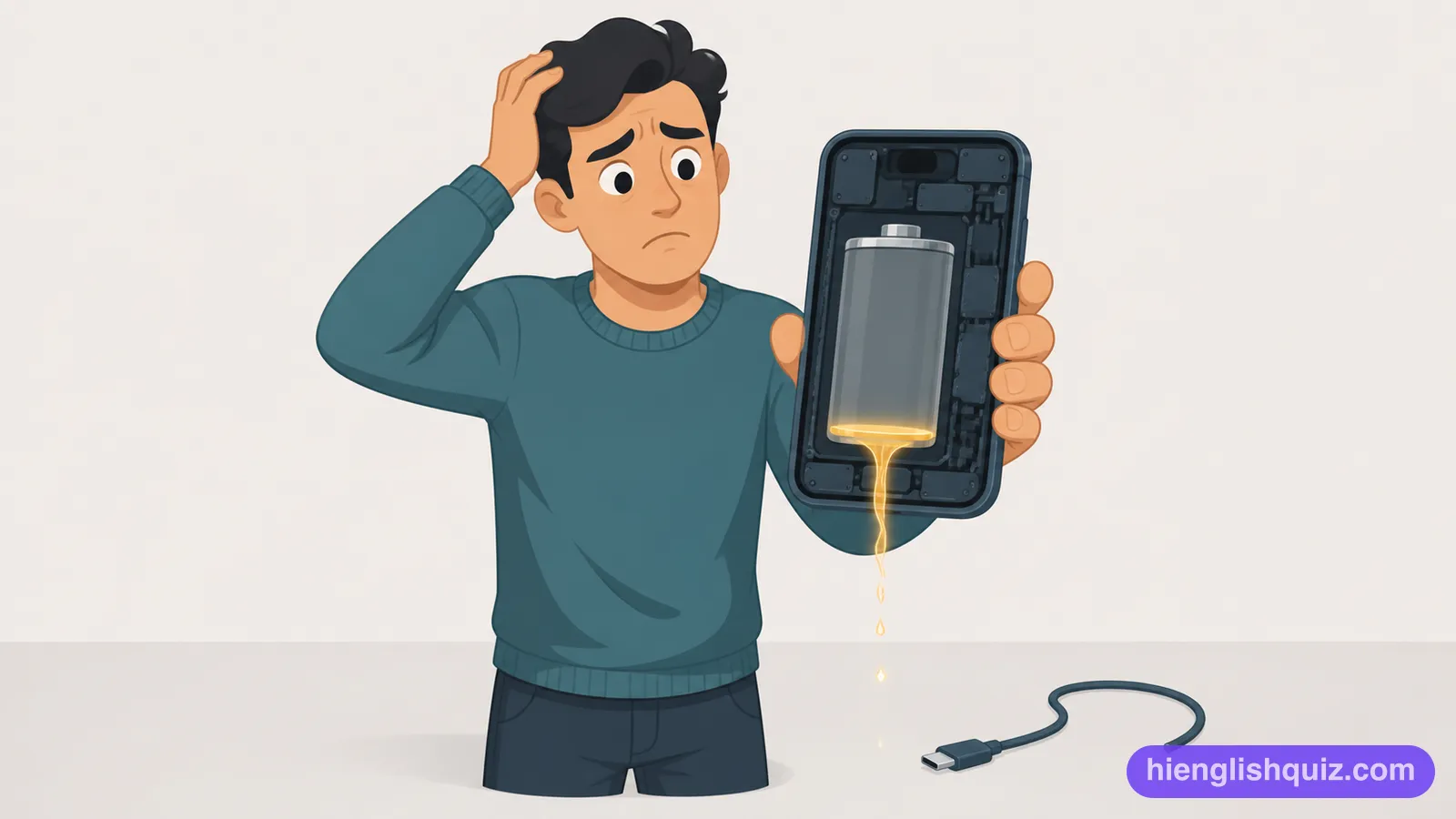
To become too hot, especially because a device is working too hard.
Example: The phone began to overheat after hours of gaming.
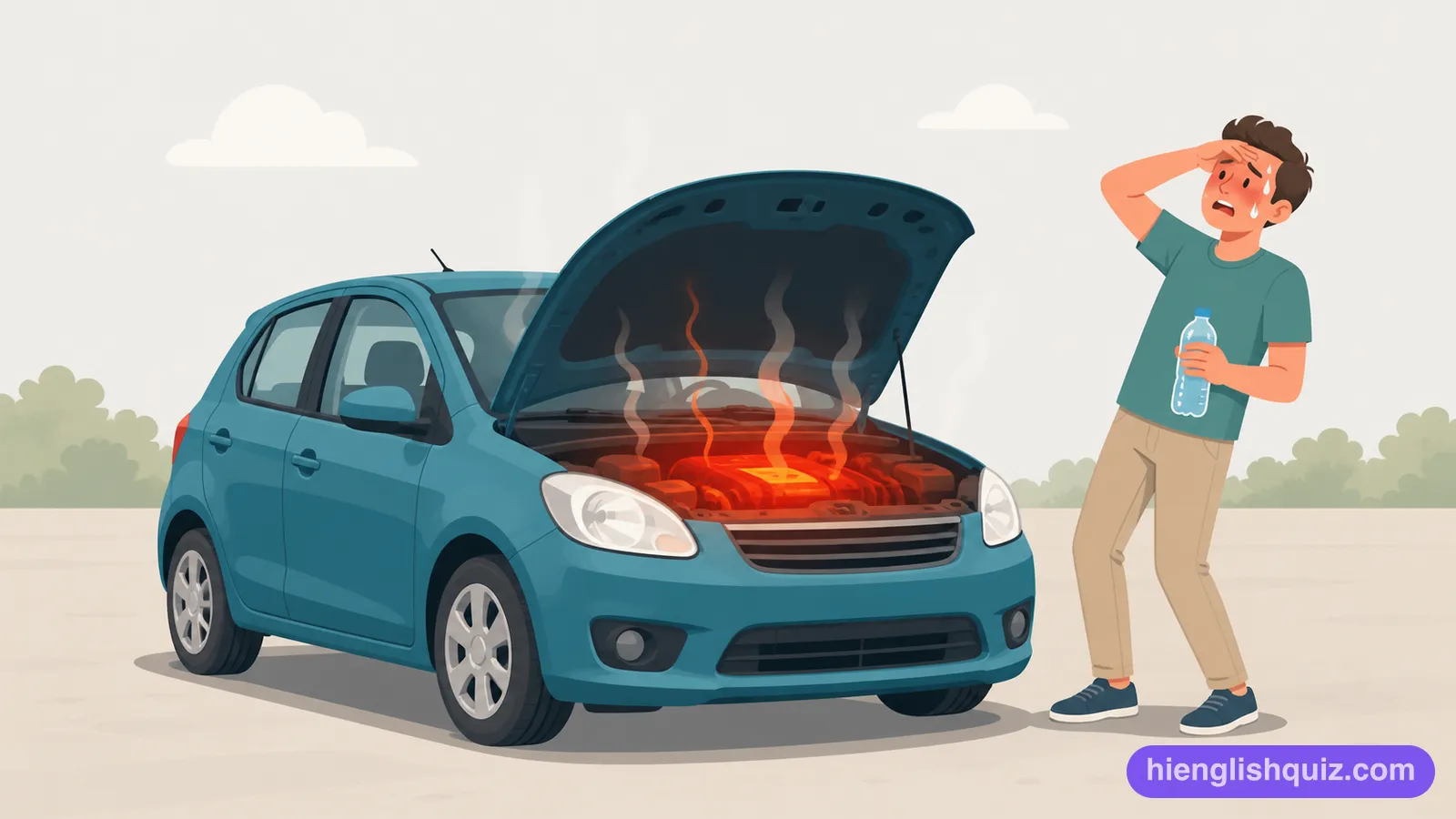
To erase everything on a device and return all its settings to how they were when new.
Example: She did a factory reset before selling her old phone.
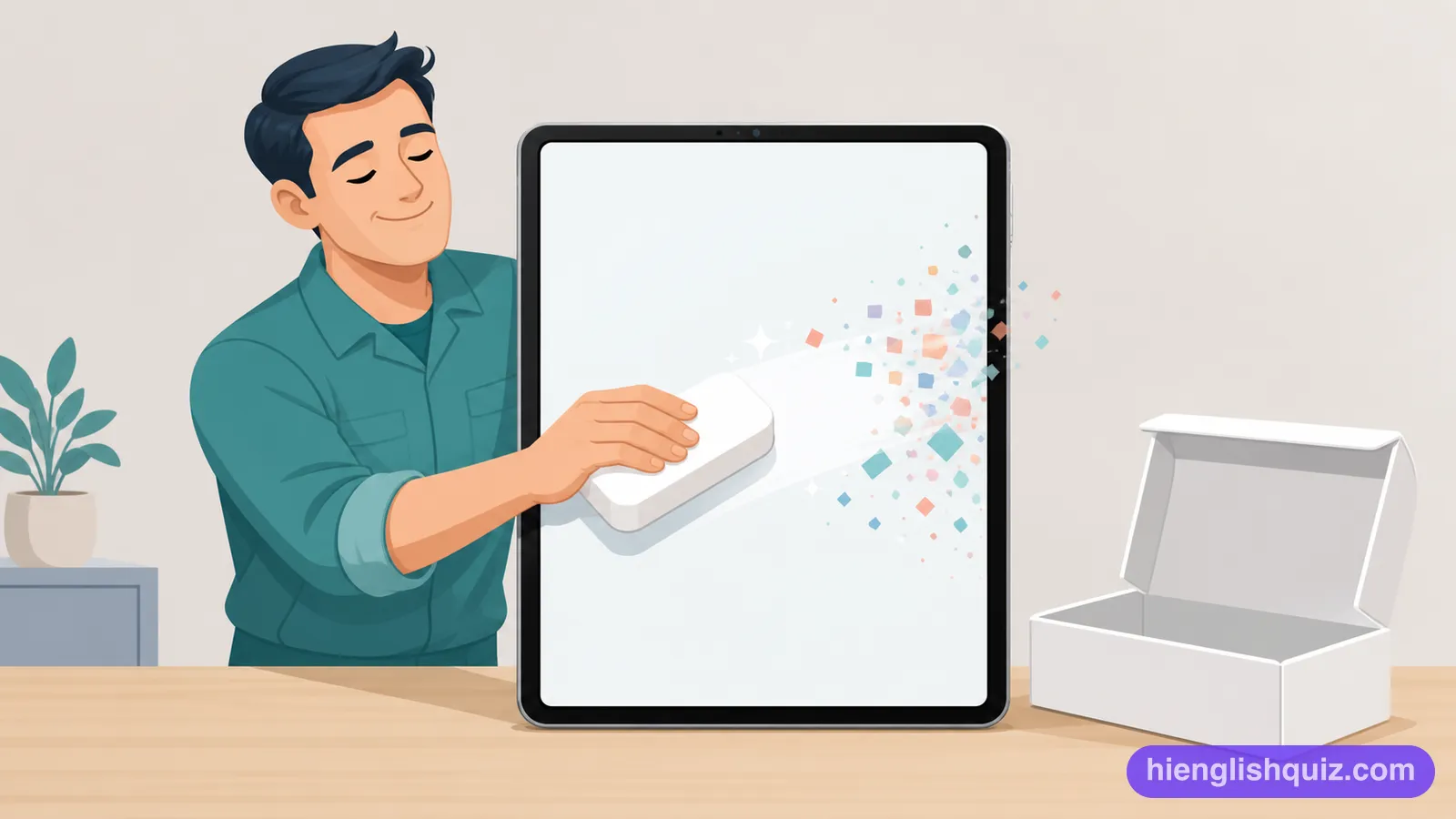
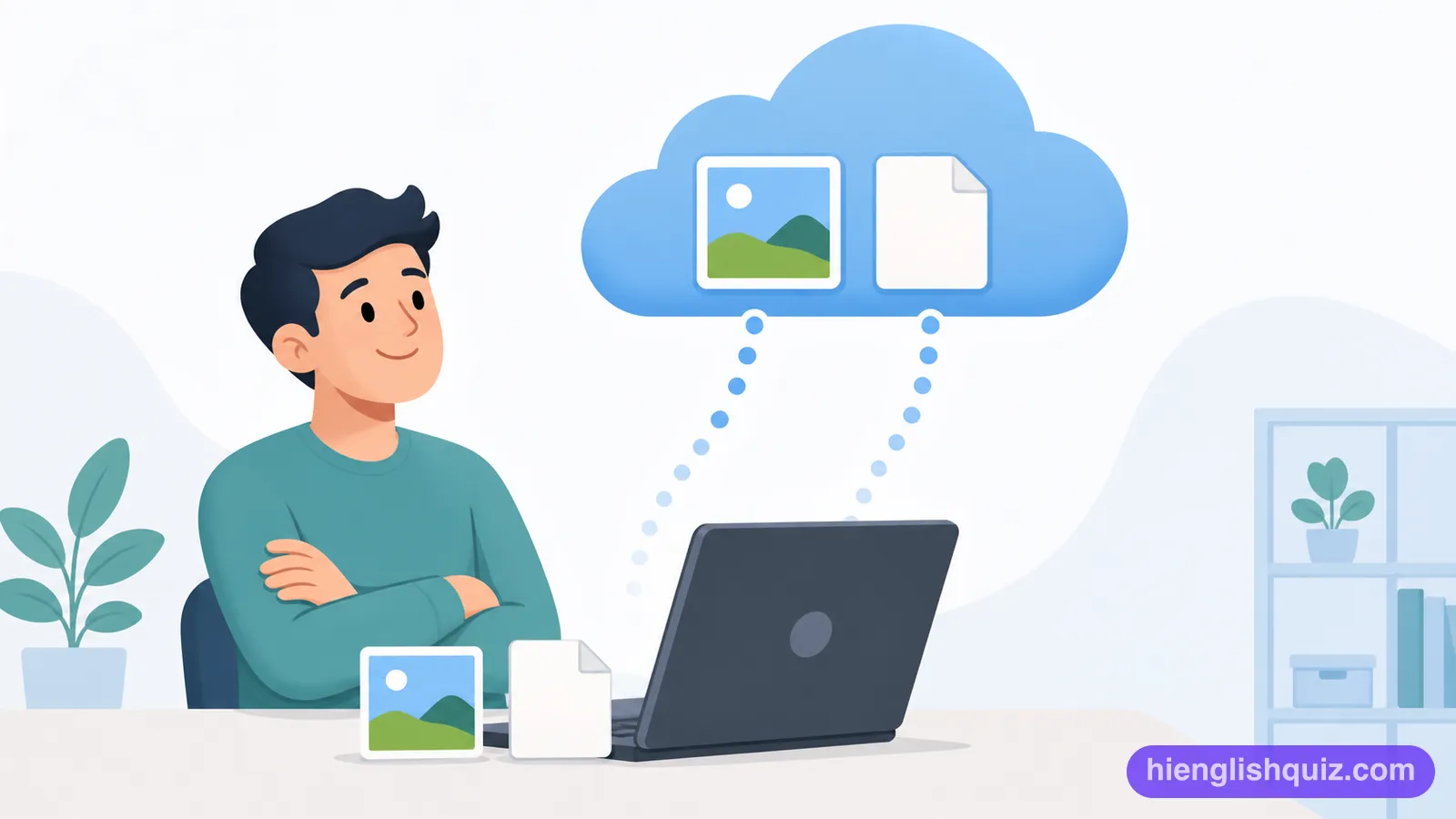
A copy of your phone's data that is automatically saved on the internet, rather than on the device itself.
Example: Turn on cloud backup so you never lose your photos.
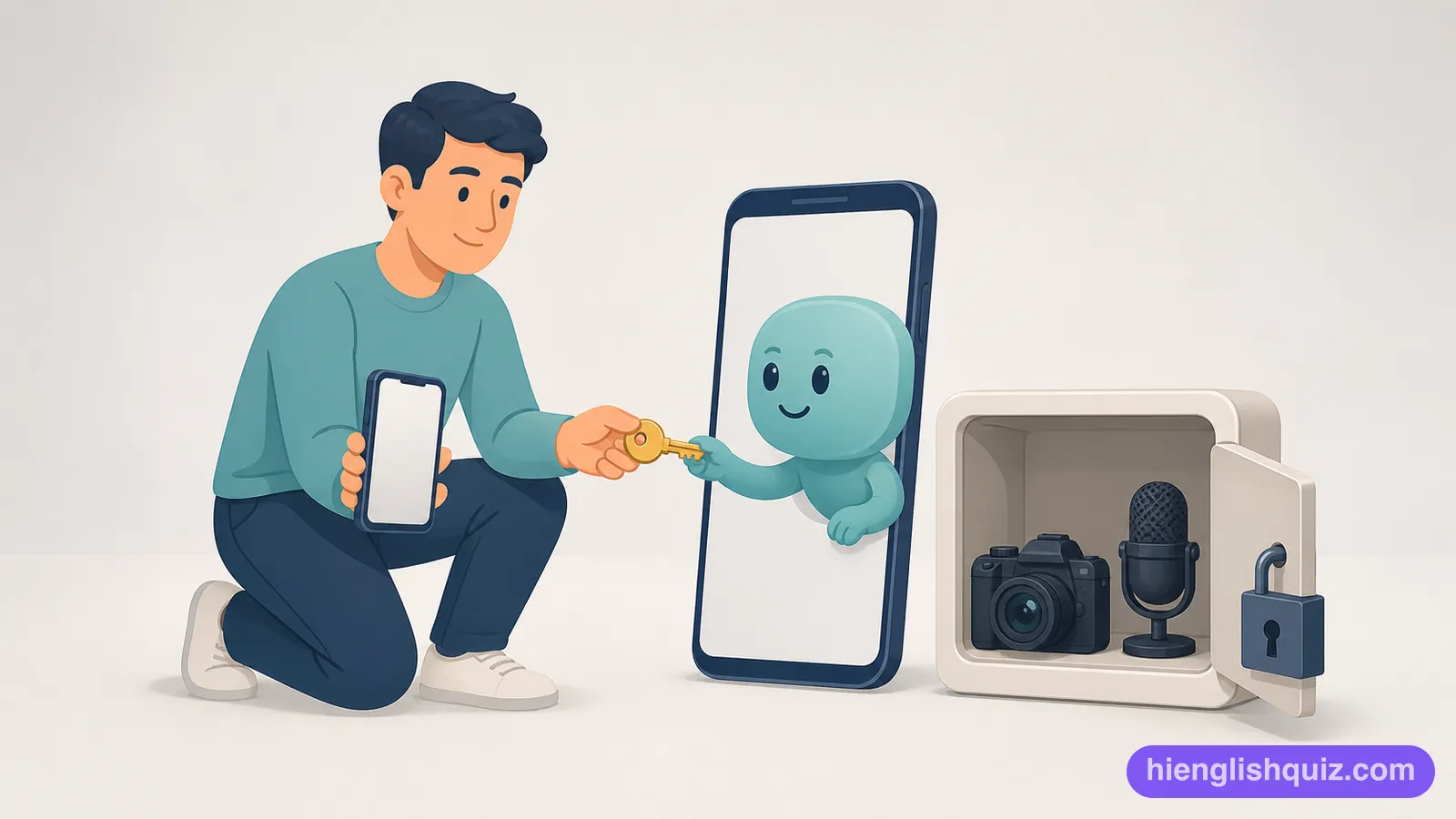
Access that you allow an app to have to parts of your phone, such as the camera or contacts.
Example: Check each app permission before installing new software.
The total amount of time someone spends looking at a phone or other screen.
Example: His weekly screen time report showed six hours a day.

A display setting that shows white text on a black background instead of the usual black text on white.
Example: I switched to dark mode to save battery and protect my eyes.

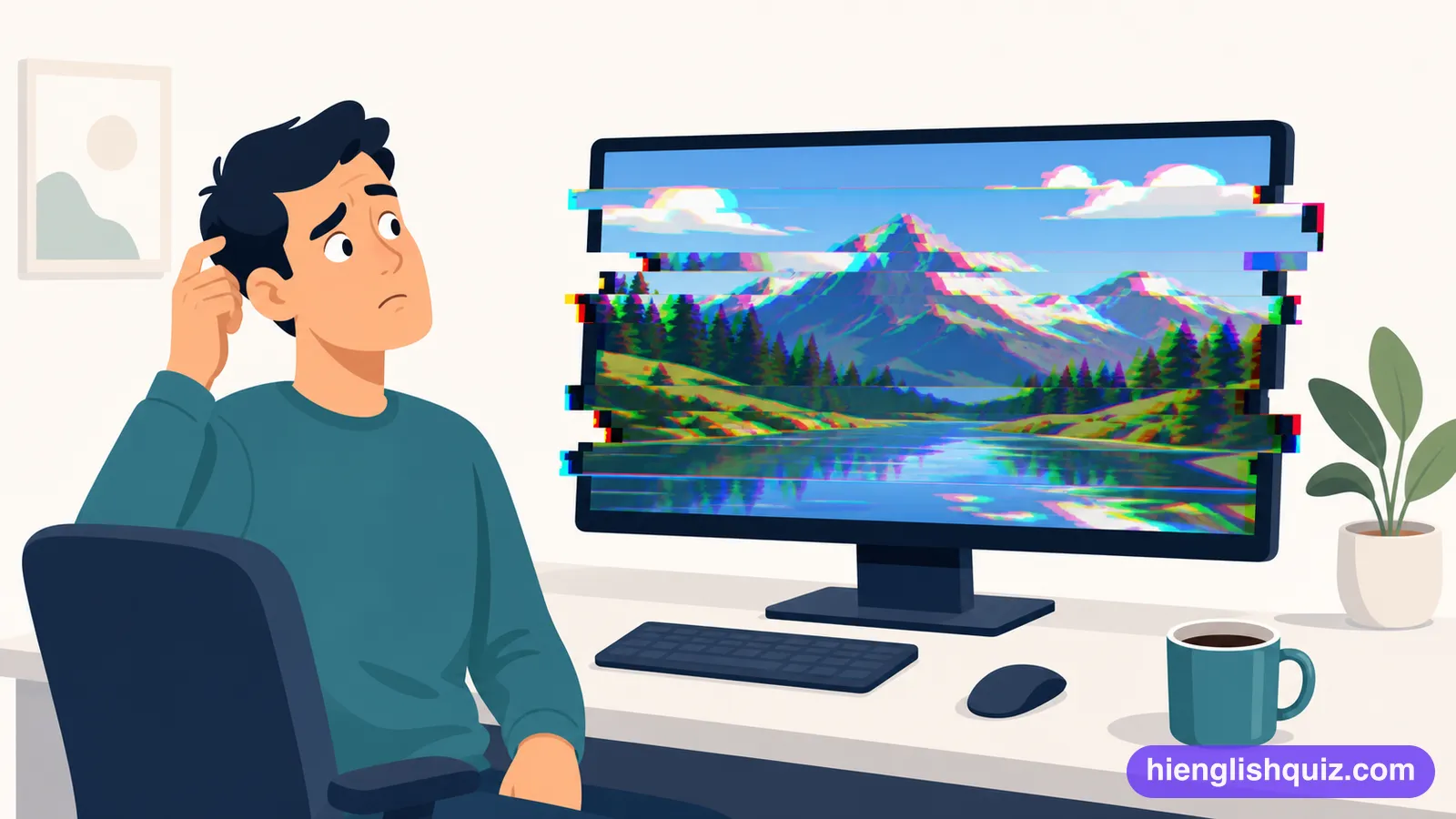
A small sudden fault that makes a program behave oddly for a moment.
Example: There's a glitch that wipes the form when you scroll.
Able to work together with another system without anything going wrong.
Example: This app isn't compatible with older versions of the system.