keyboard
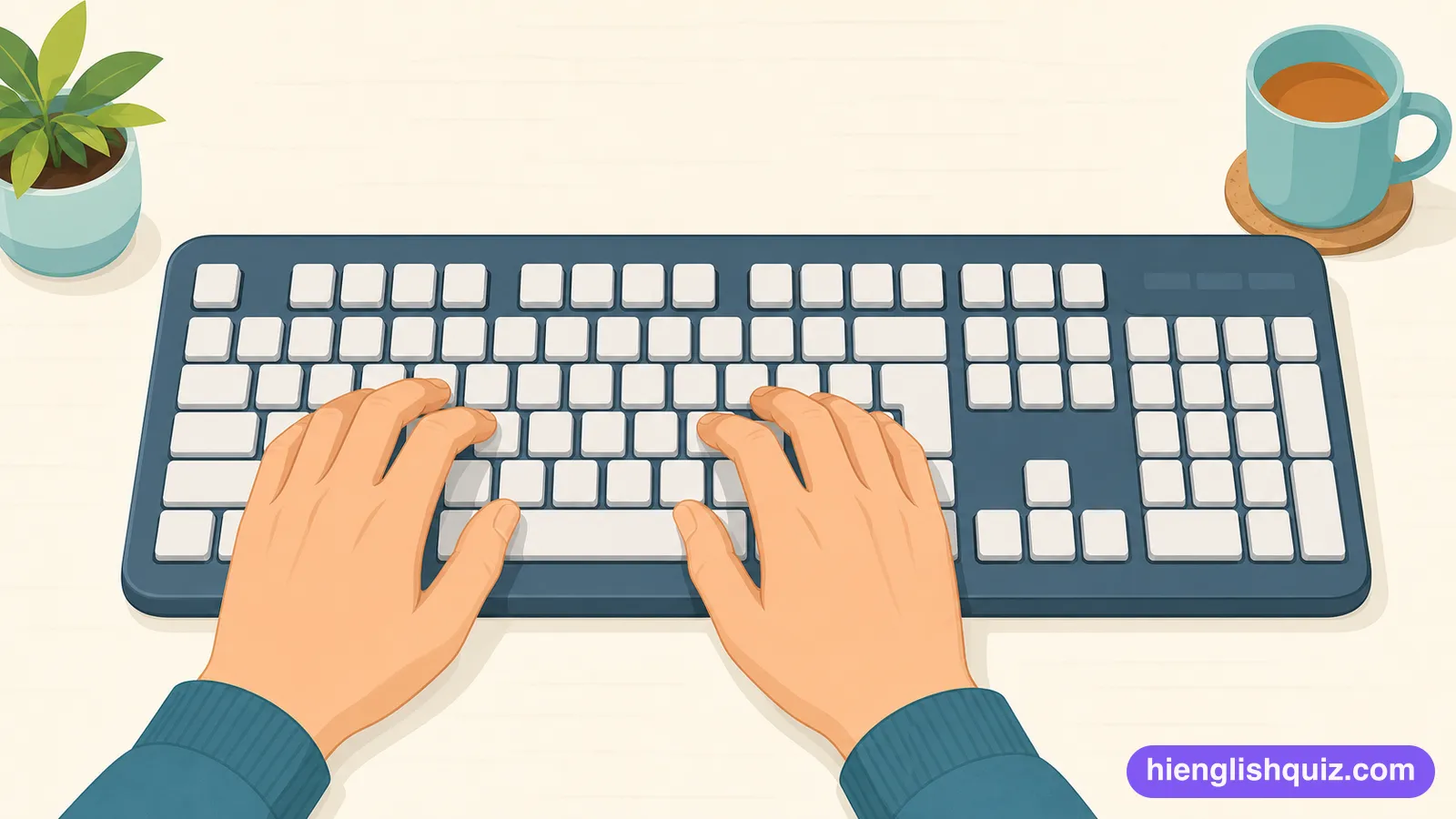
/ˈkiˌbɔrd/The flat part of a computer with many buttons you press to type letters and numbers.
Example: She spilled coffee all over her keyboard.
 Hi EnglishQuiz
A214 words · Elementary
Computer and device vocabulary such as keyboard, file, folder and wifi, plus click, copy and paste. The everyday words for using a computer or phone.
The flat part of a computer with many buttons you press to type letters and numbers.
Example: She spilled coffee all over her keyboard.
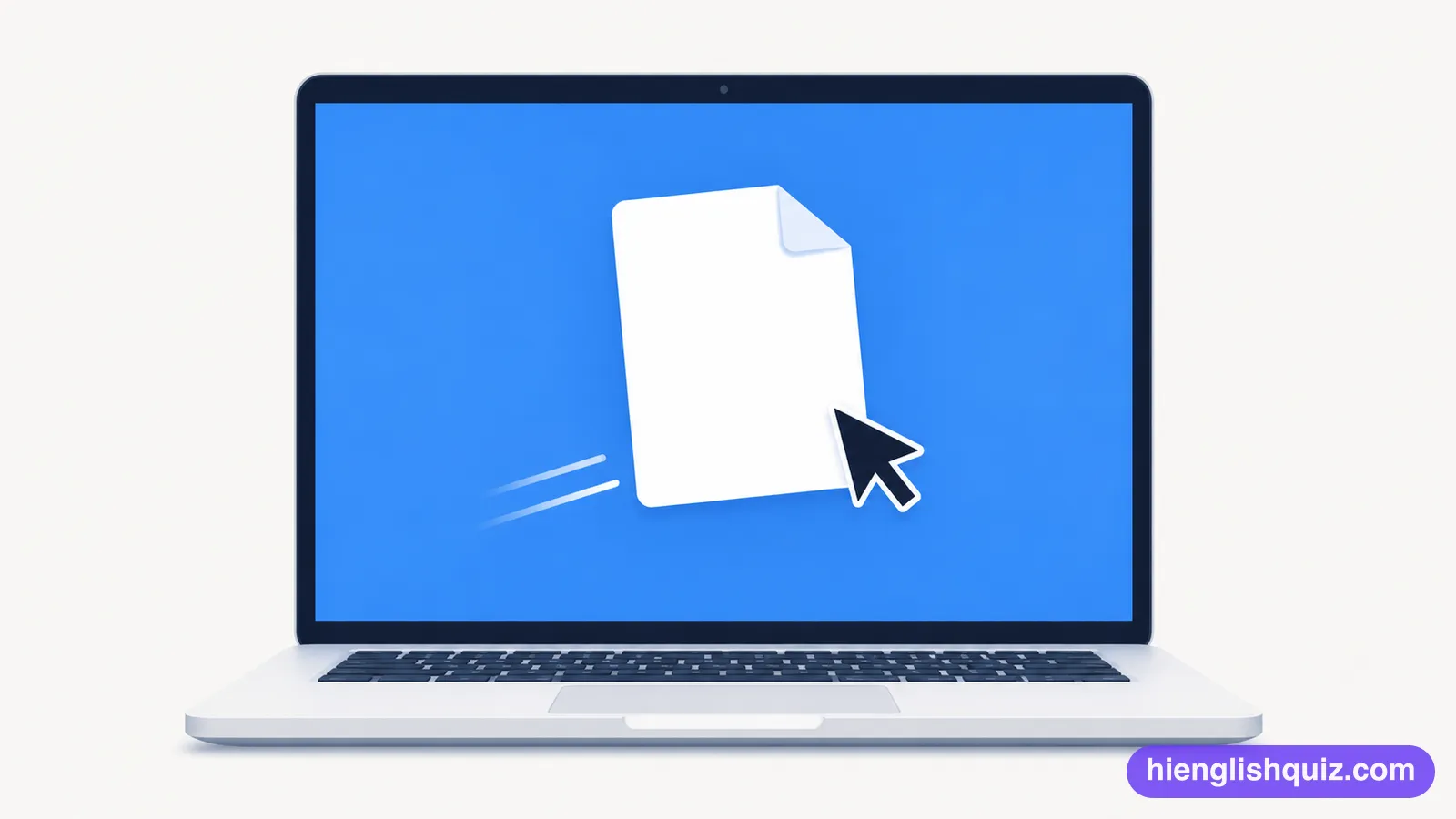
A single saved piece of work on a computer that you can open.
Example: I can't open this file on my laptop.
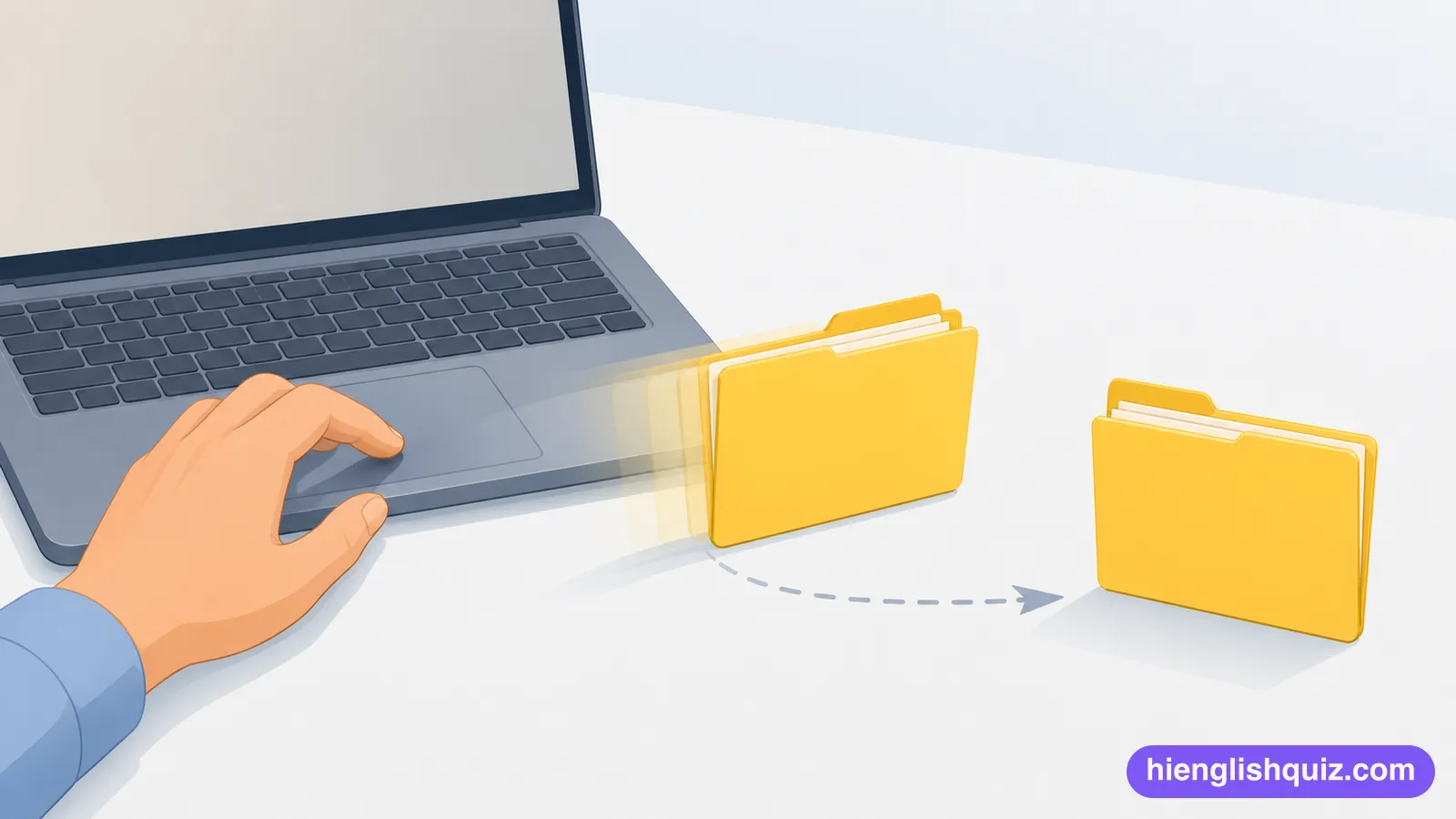
A place on a computer where you keep files together.
Example: Put those photos in the holiday folder.
To press the button on a mouse to choose something.
Example: Just click here to open the picture.

The small arrow or line on a screen that shows where you are about to type or click.
Example: Move the cursor to the top of the page.

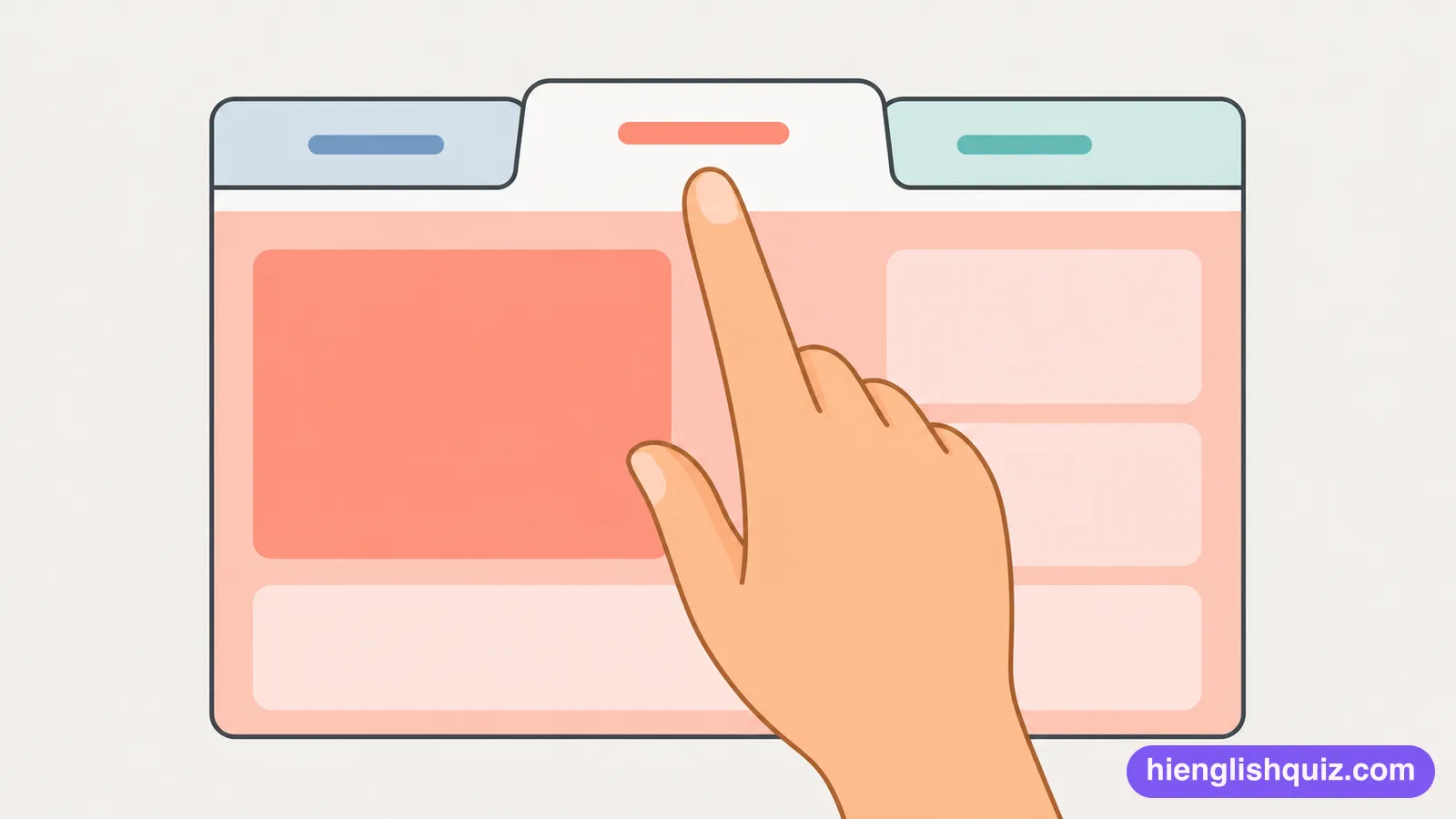
A small labelled section at the top of a window that lets you switch between different pages.
Example: I opened a new tab to check my email.
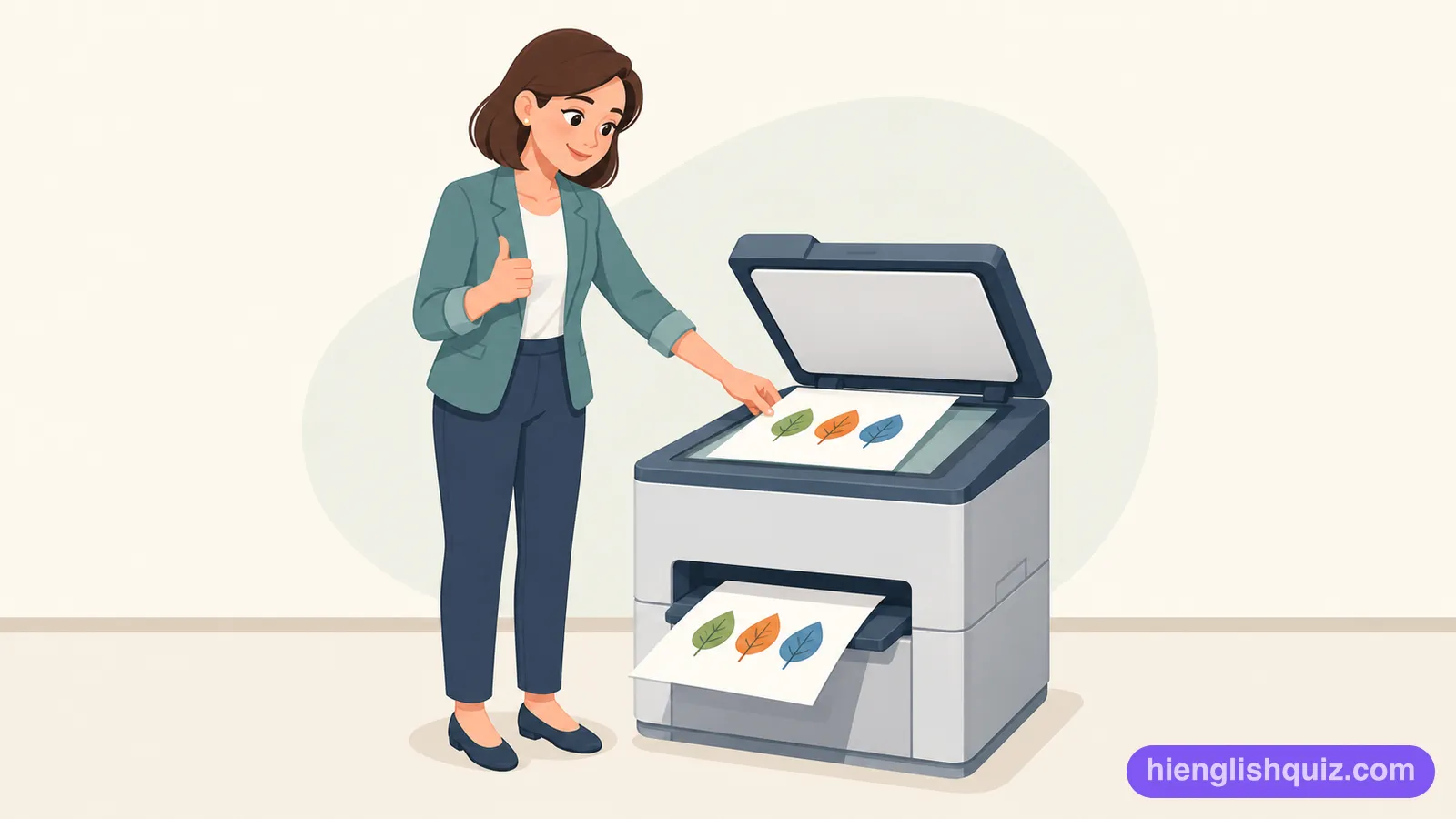
To make an exact duplicate of a file or piece of text on a computer.
Example: You can copy the text and paste it somewhere else.
To put a copied piece of text or a file into a new place.
Example: Paste the text into the empty box below.

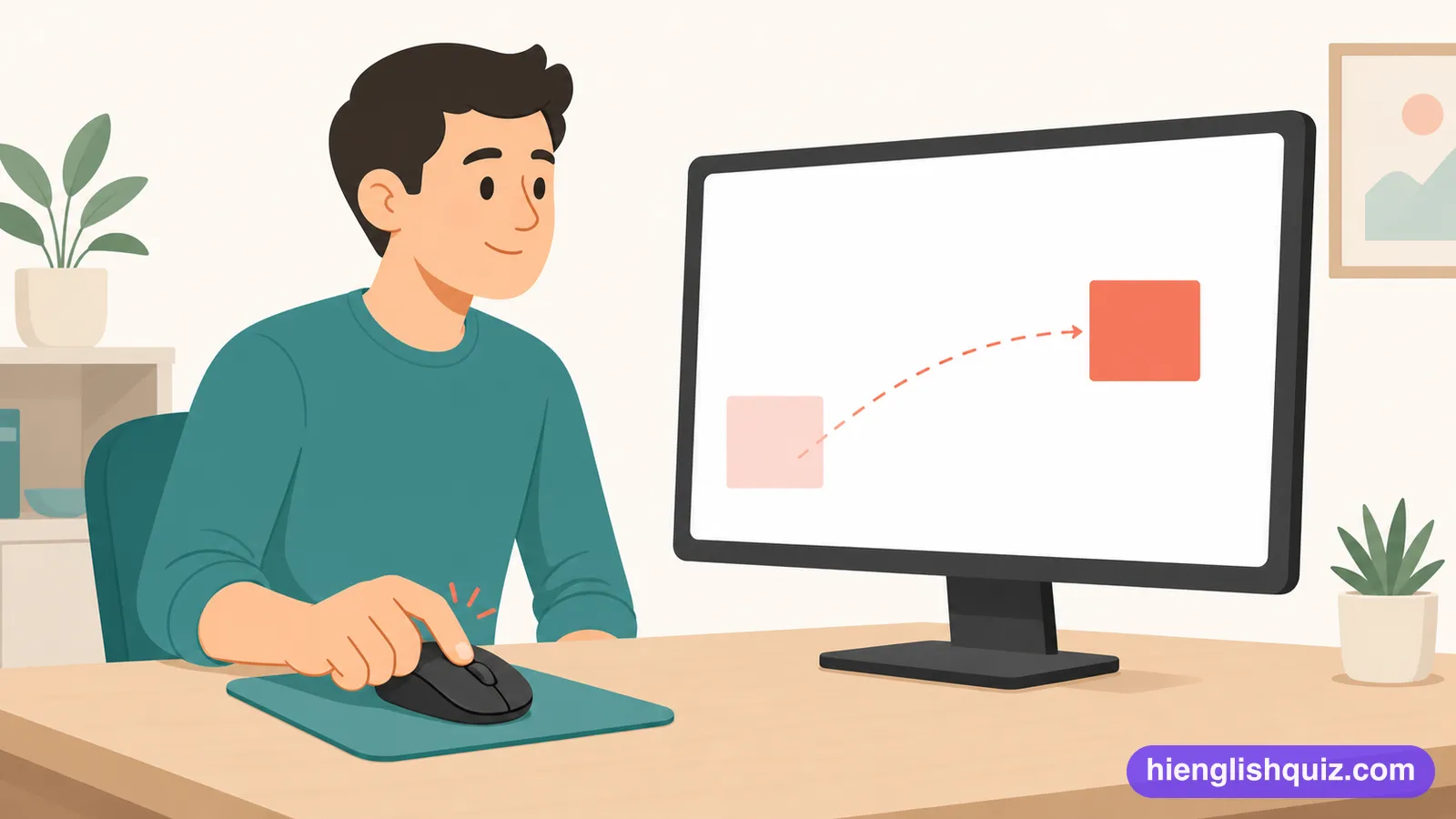
To move something on a screen by holding down the mouse button and moving the mouse.
Example: Drag the file into the folder to move it.
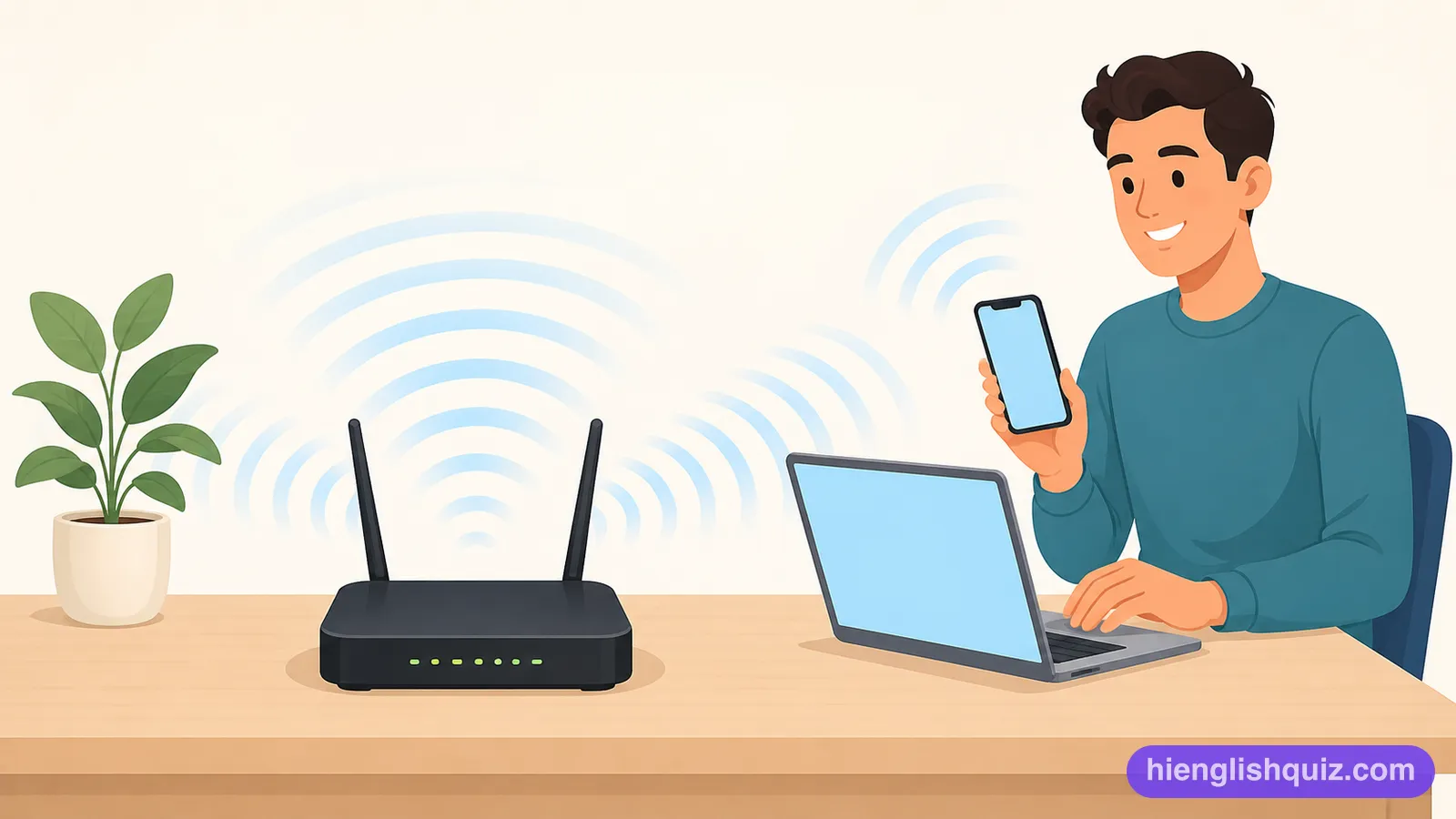
A way of connecting a device to the internet without using a cable.
Example: The cafe offers free wifi to all customers.
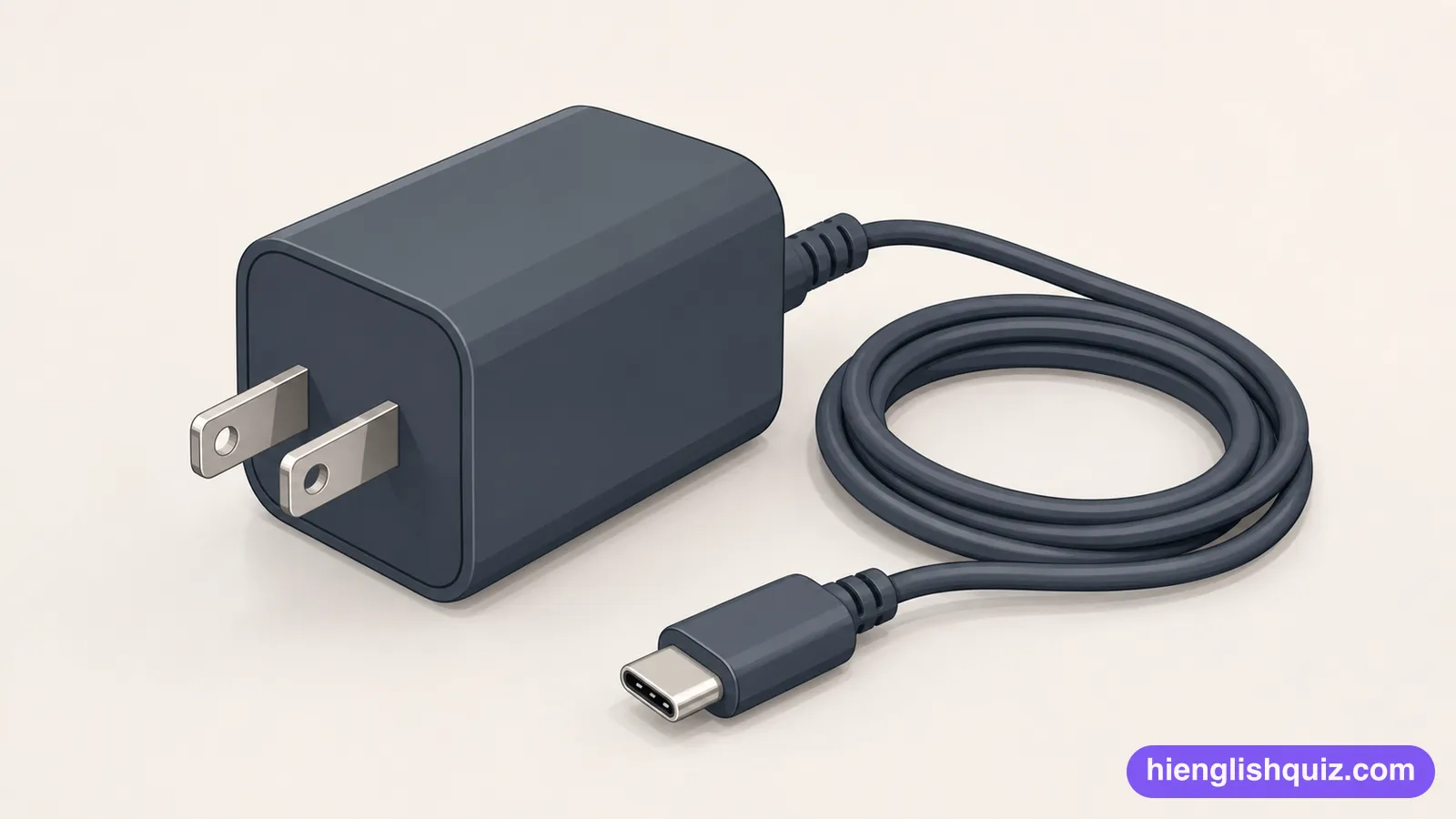
A device you plug in to fill a phone or laptop with power again.
Example: Don't forget to bring your charger when you travel.
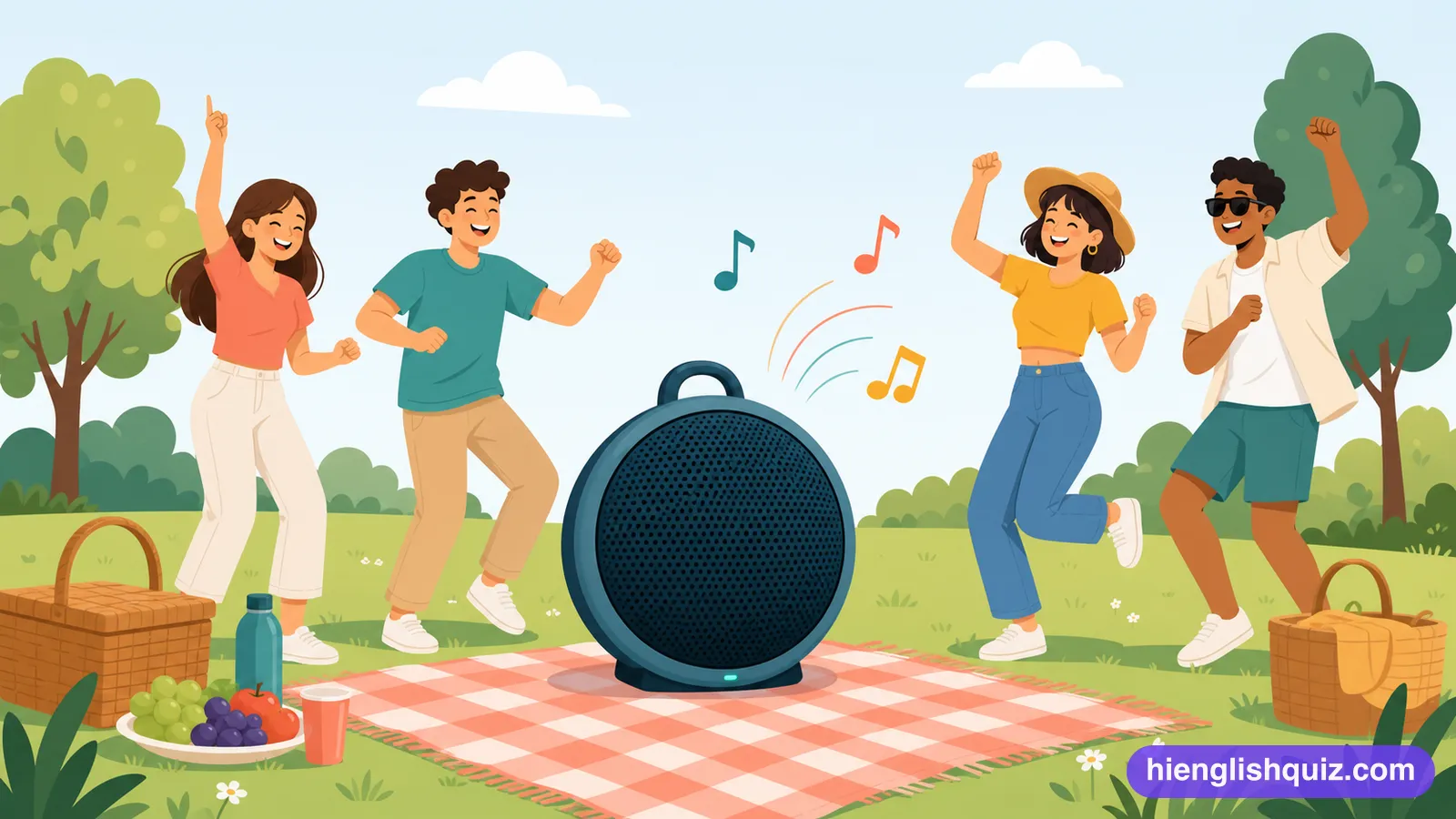
The part of a device that the sound comes out of.
Example: Turn the speaker up so everyone can hear.
Two small speakers that you wear over your ears to listen alone.
Example: He wears headphones on the train every day.

How strong the connection is between a phone and the network.
Example: There's no signal up here in the mountains.