hardware
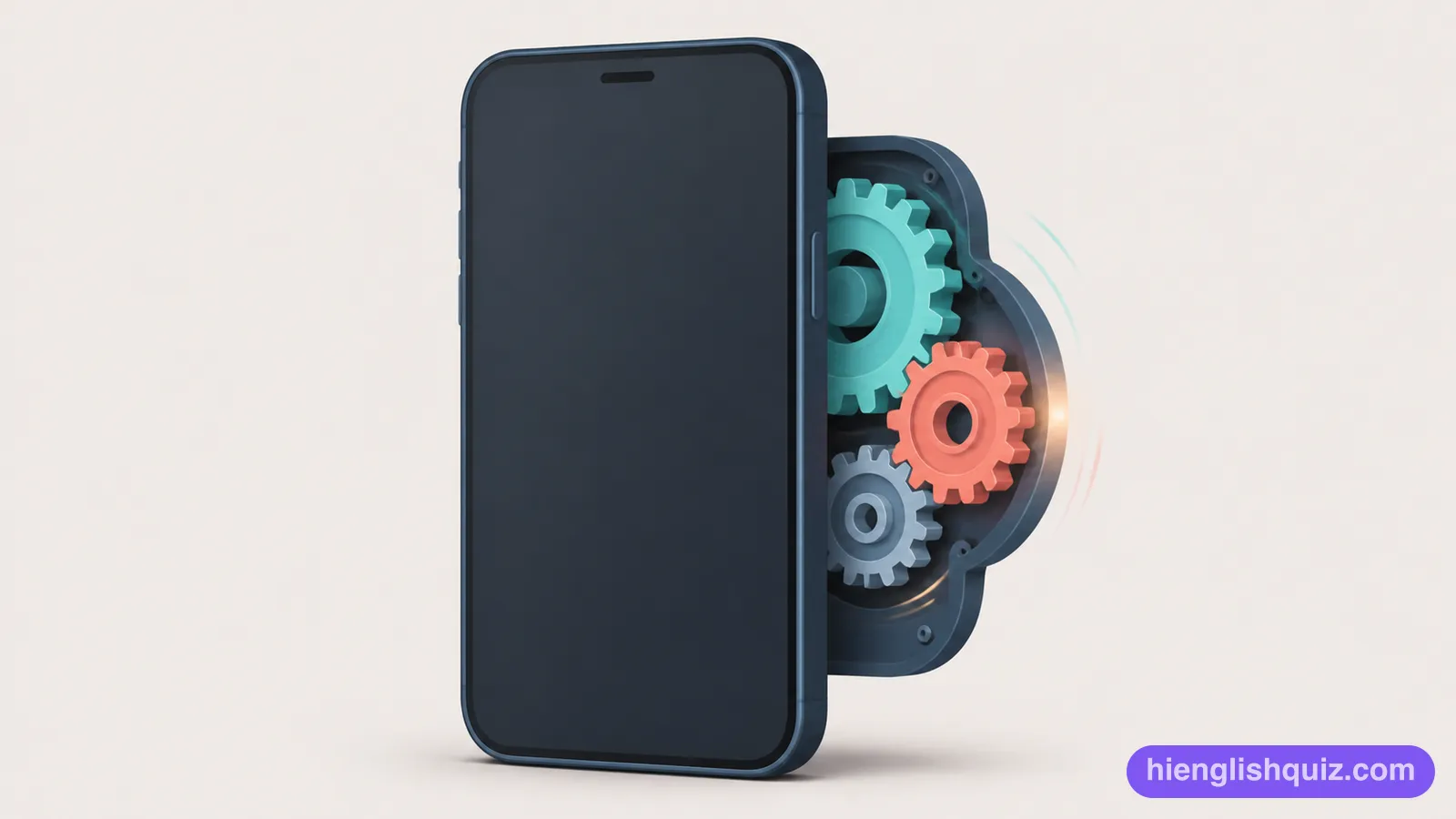
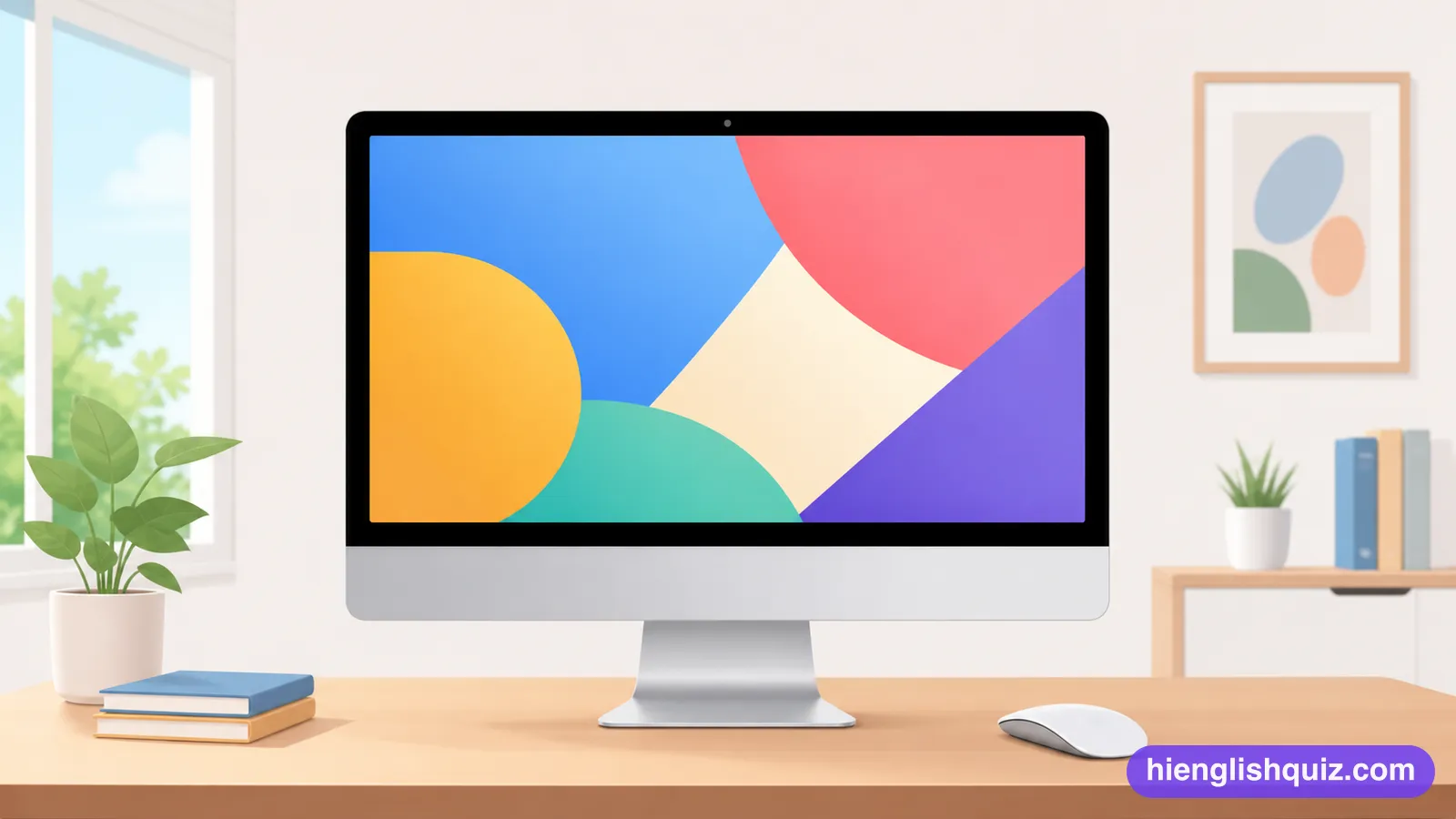
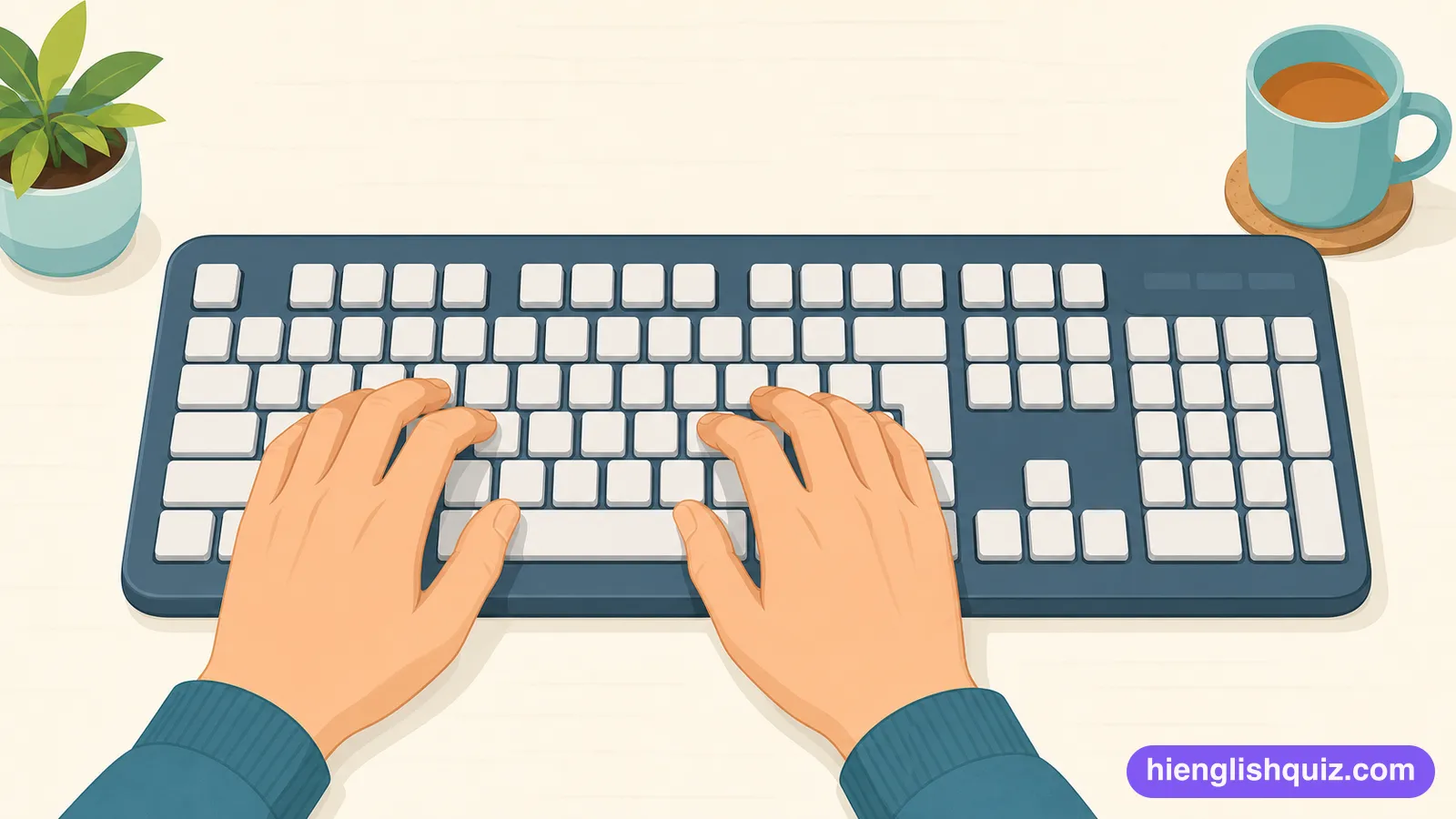
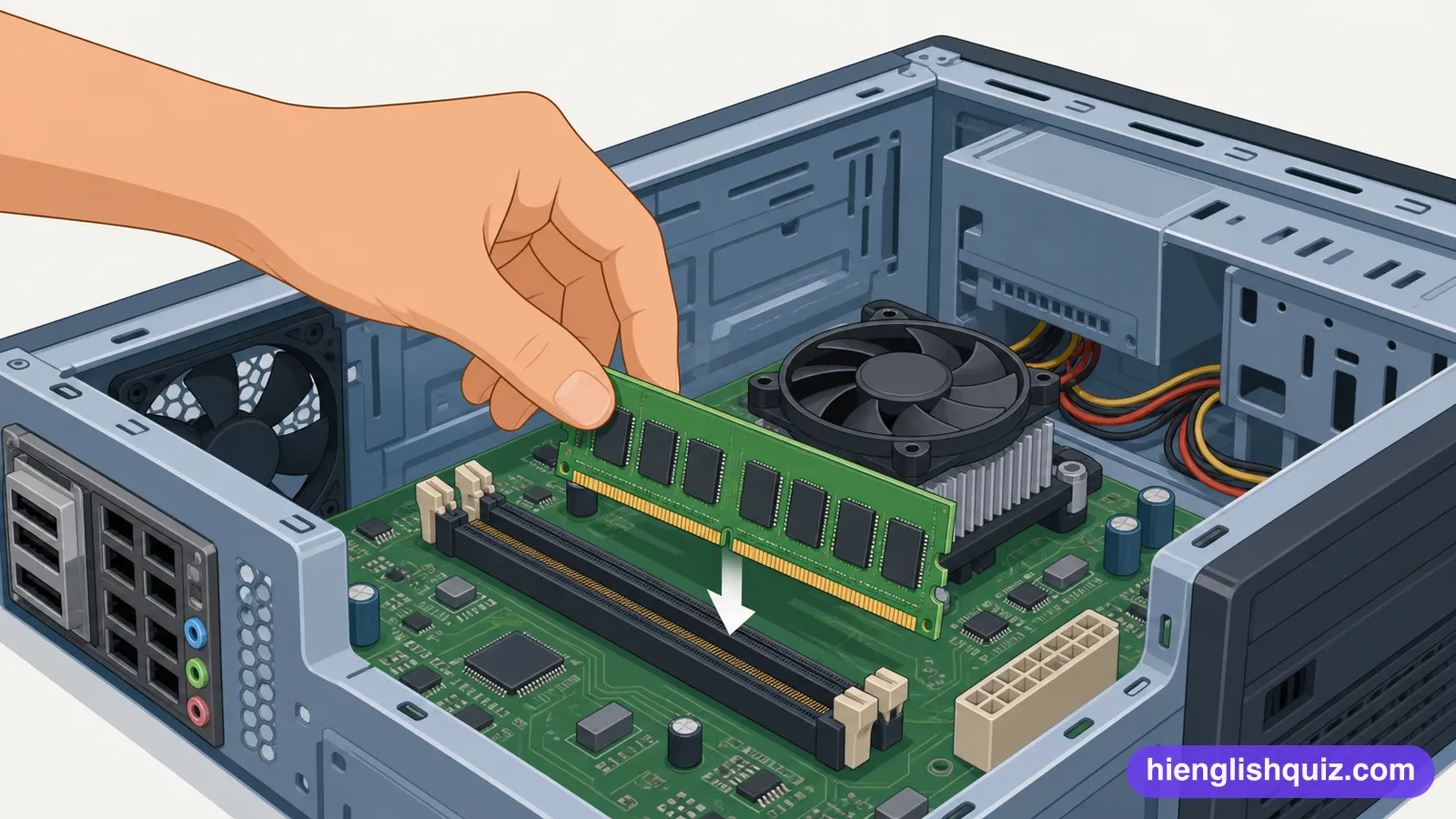
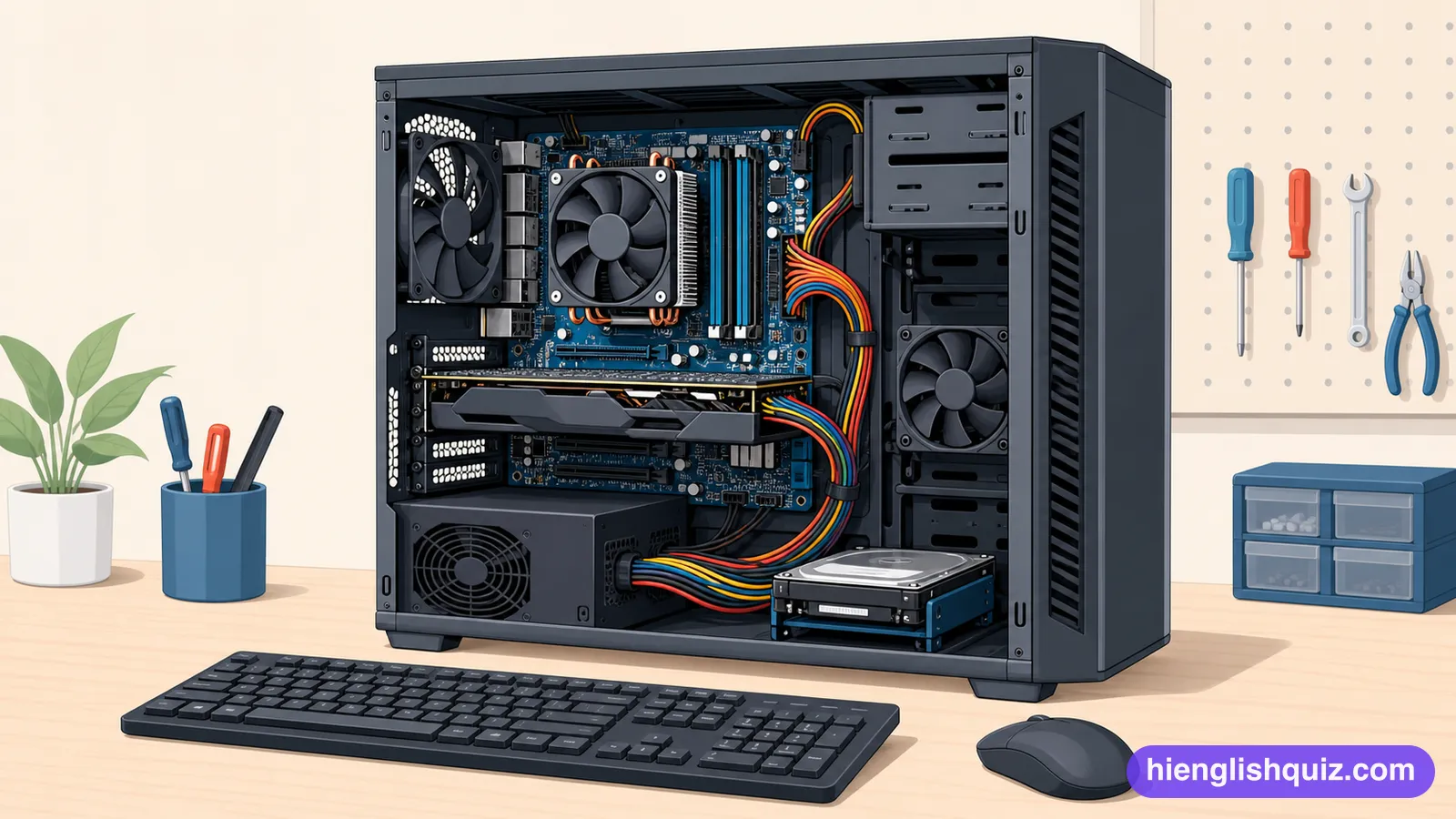
/ˈhɑrˌdwɛr/The physical parts of a computer that you can touch, such as the screen and drives.
Example: The problem is the hardware, not the program.
 Hi EnglishQuiz
B220 words · Upper-intermediate
Device and software vocabulary such as hardware, processor and firmware, plus backup, server and database. Words for describing how computers and phones work.
The physical parts of a computer that you can touch, such as the screen and drives.
Example: The problem is the hardware, not the program.
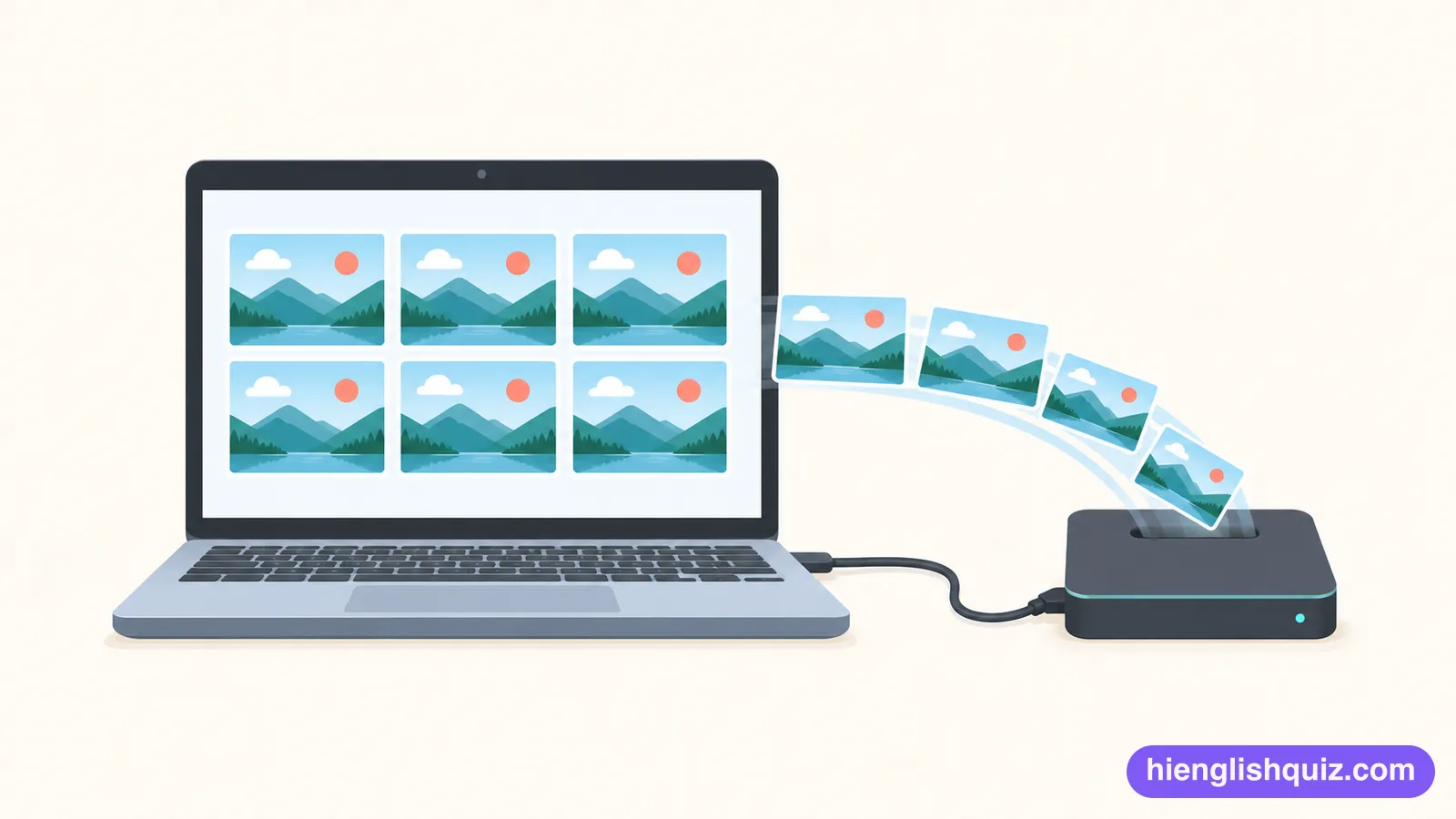
A second copy of your files kept somewhere safe in case the first is lost.
Example: Luckily I had a backup of the whole project.
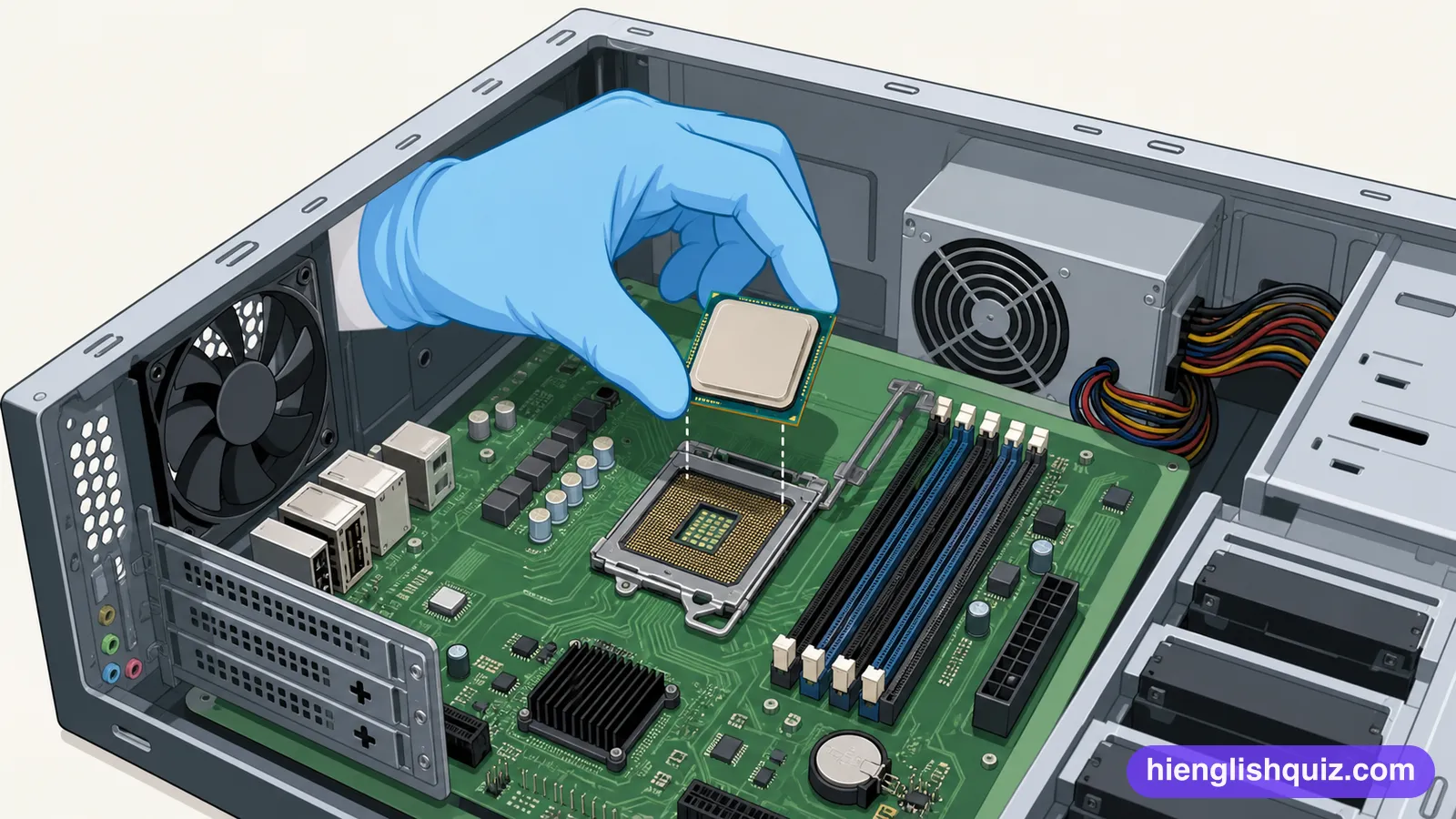
The small chip inside a computer that does the calculations and runs everything.
Example: This laptop has a much faster processor than mine.
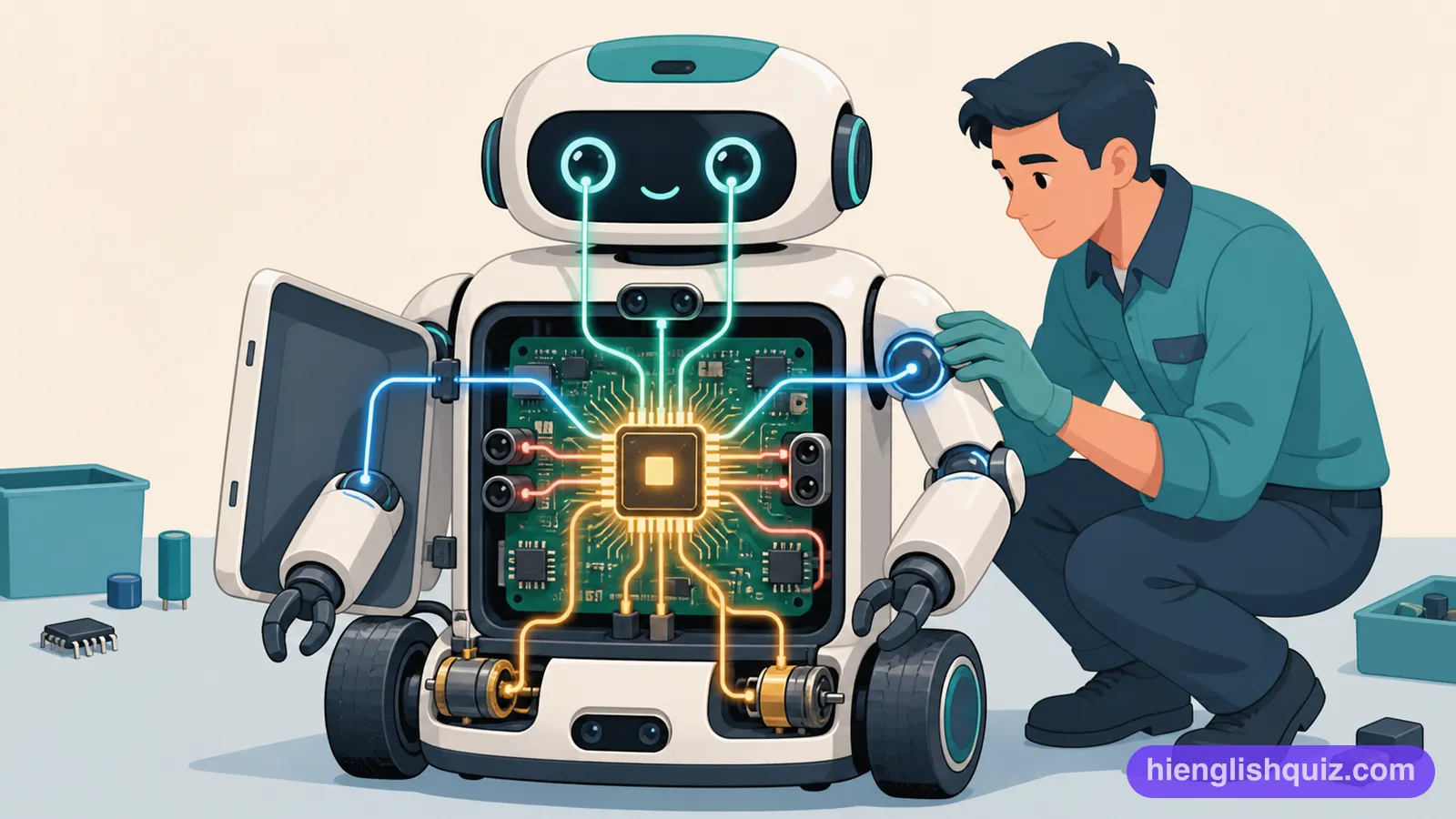
Permanent software built into a device's hardware that controls its basic functions.
Example: The manufacturer released a firmware update to fix the camera.
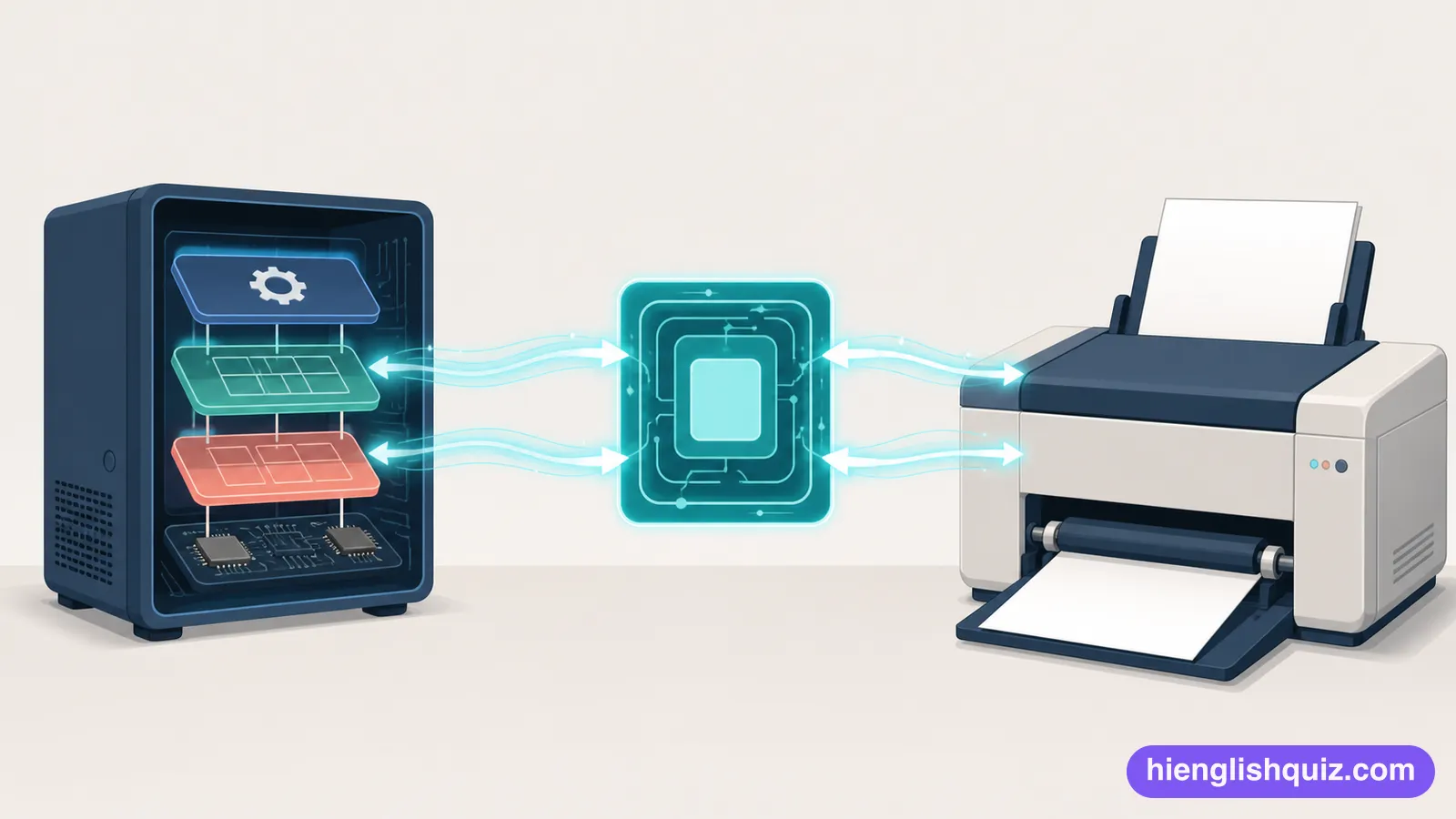
A small program that lets a computer's operating system communicate with a piece of hardware.
Example: You need to install a new driver for the printer to work.
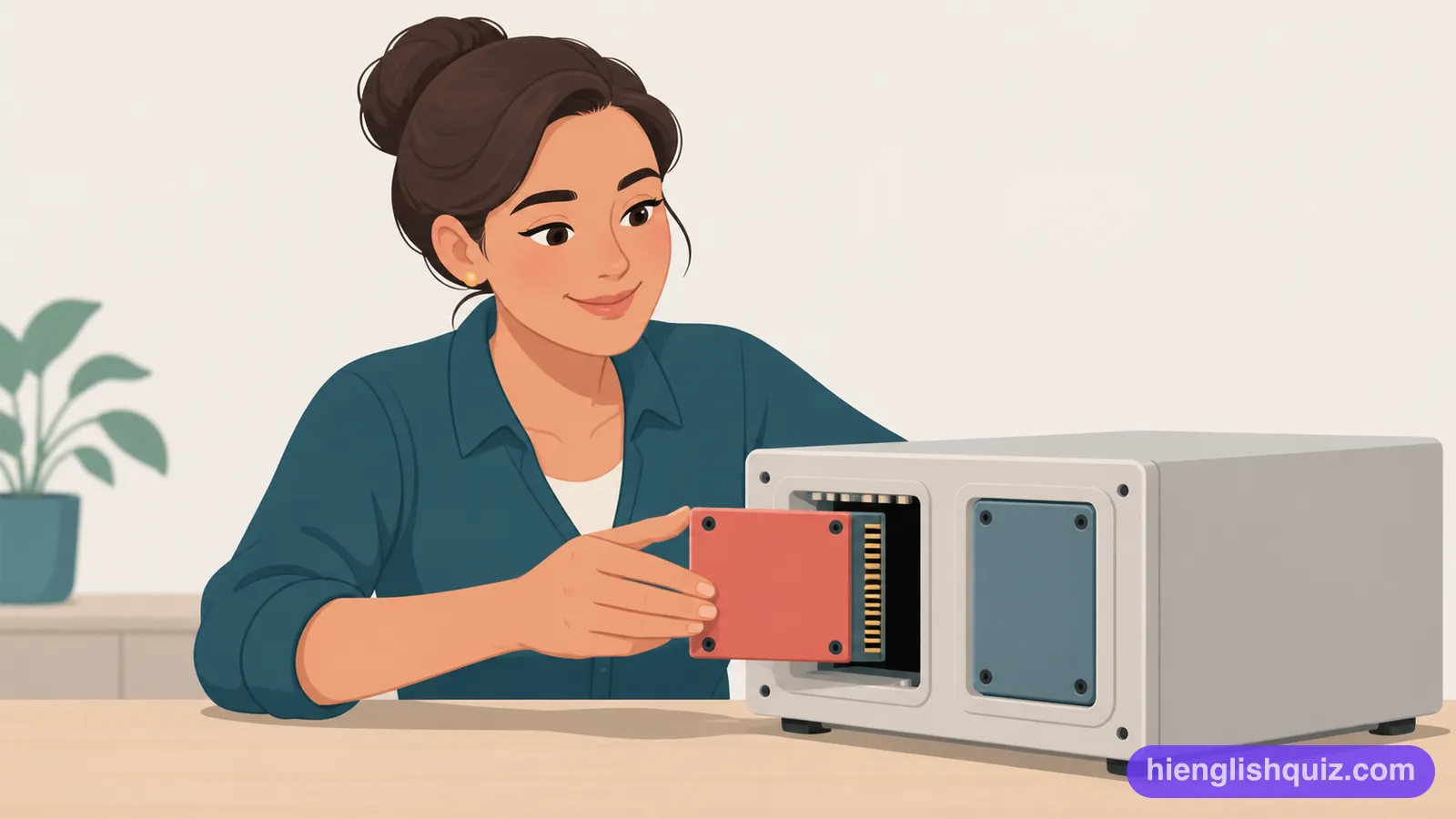
A small piece of software added to a program to give it an extra feature.
Example: She installed a plugin that blocks online adverts.
A place where a computer temporarily stores data so it can be found more quickly next time.
Example: Clearing the browser's cache can fix loading problems.

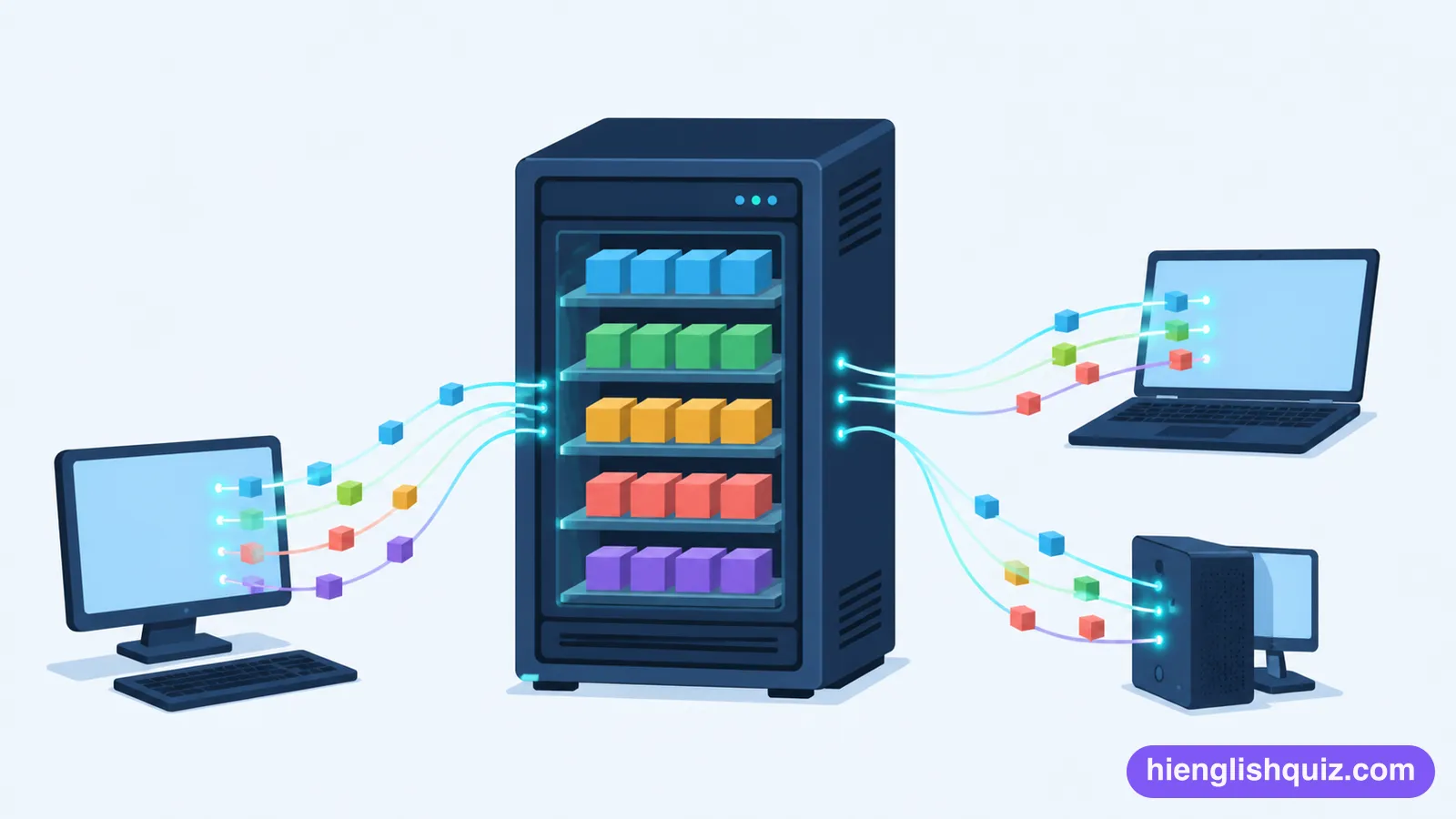
A powerful computer that stores information and provides it to other computers over a network.
Example: The website went offline when the server crashed.
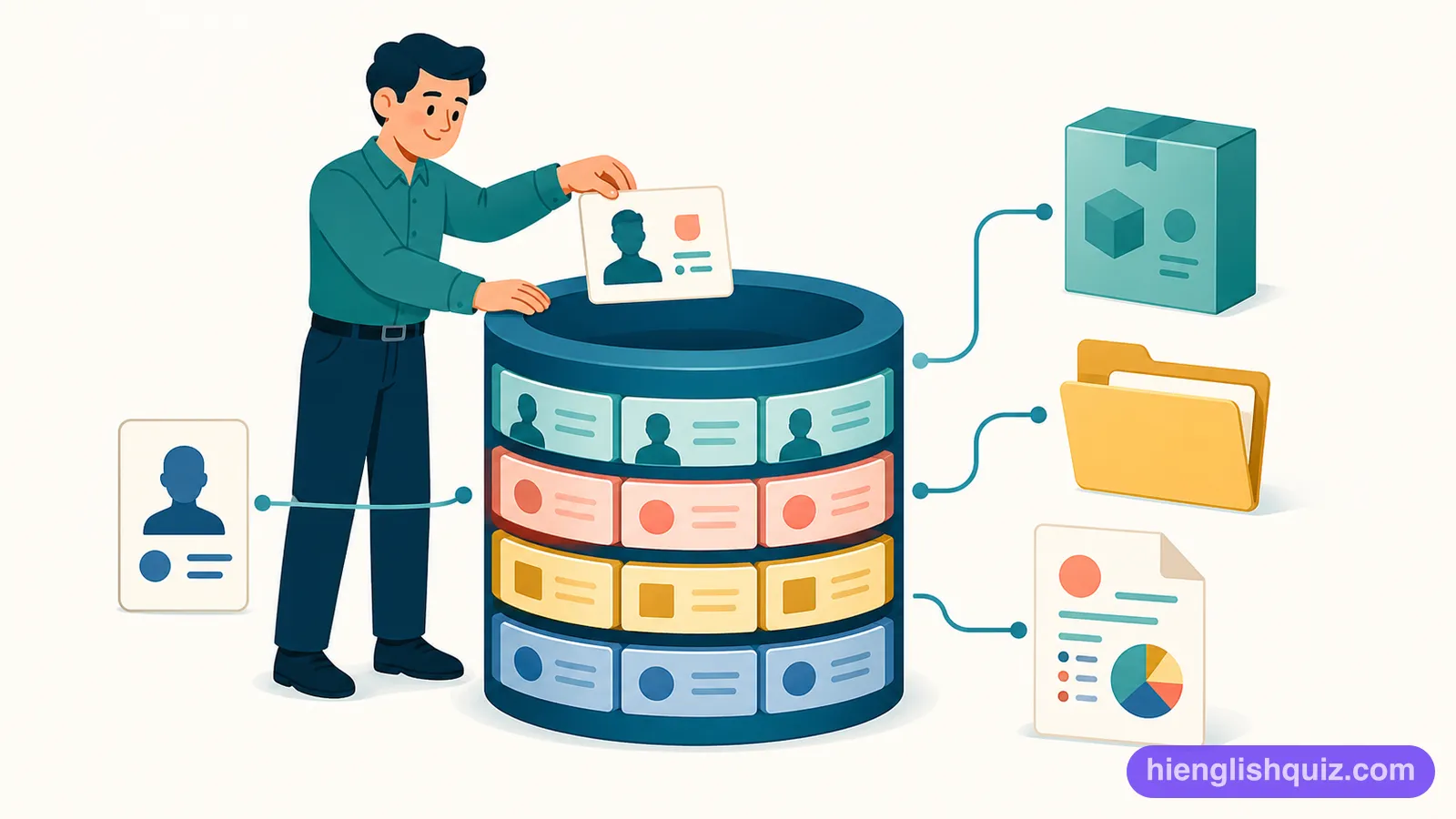
An organized collection of information stored on a computer so it can be searched and updated easily.
Example: Customer details are kept in a secure database.
The ability of two pieces of hardware or software to work together properly.
Example: Check the compatibility of the software before you install it.

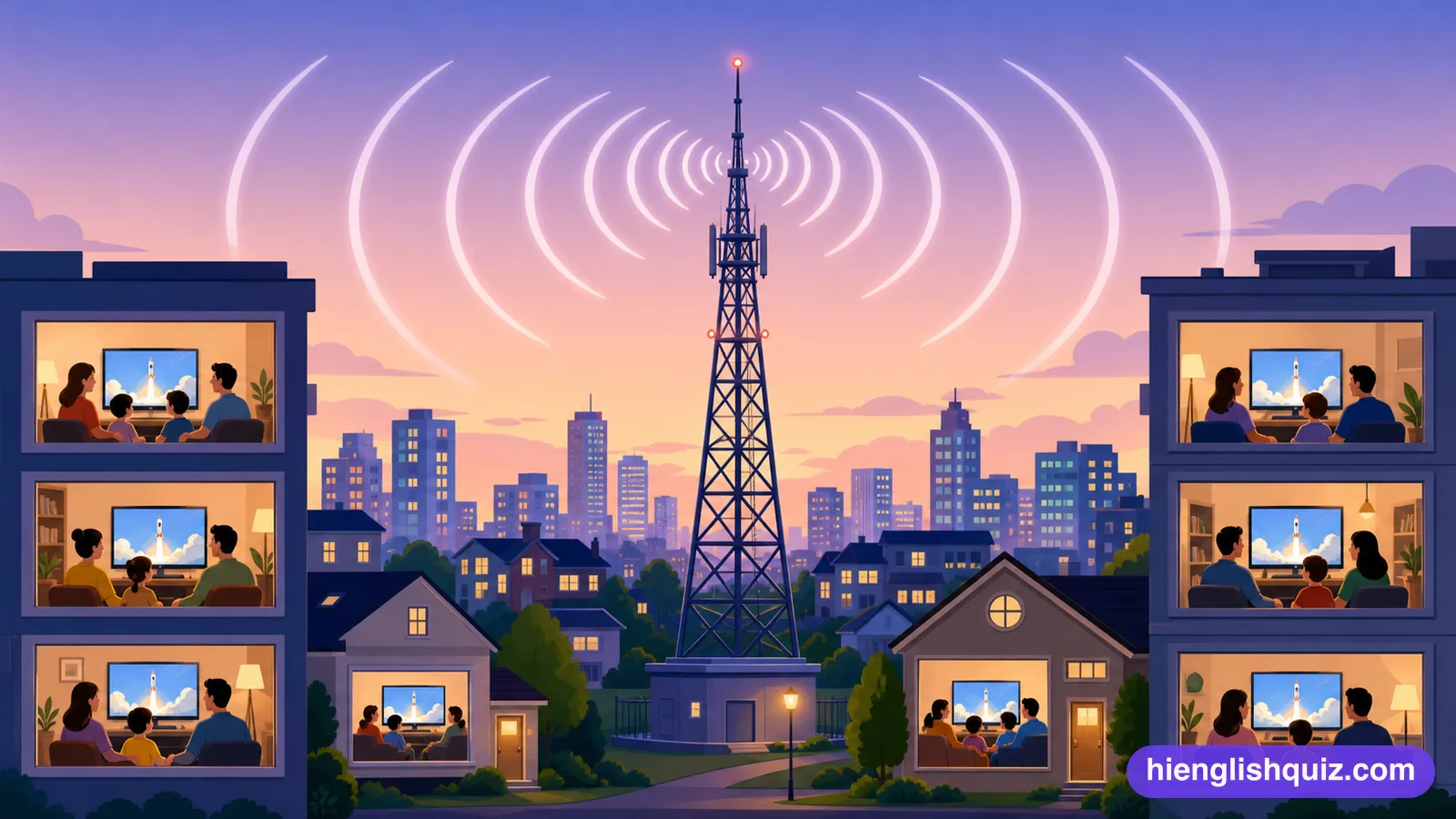
Working by sending invisible waves through the air, with no cable needed.
Example: The new speaker is wireless, so the room stays tidy.
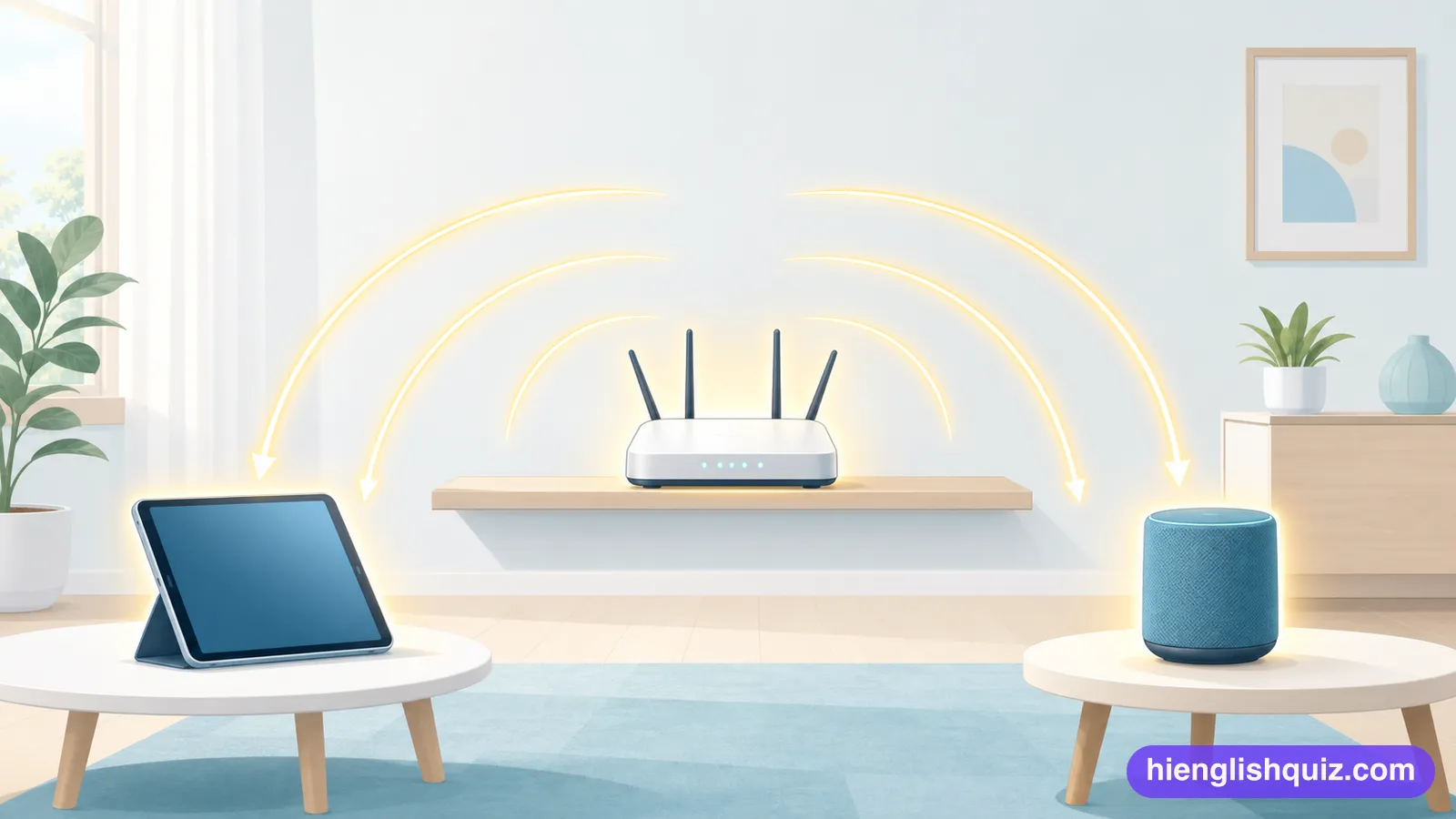
A short message a phone shows to tell you something new has arrived.
Example: I turn off every notification while I am working.
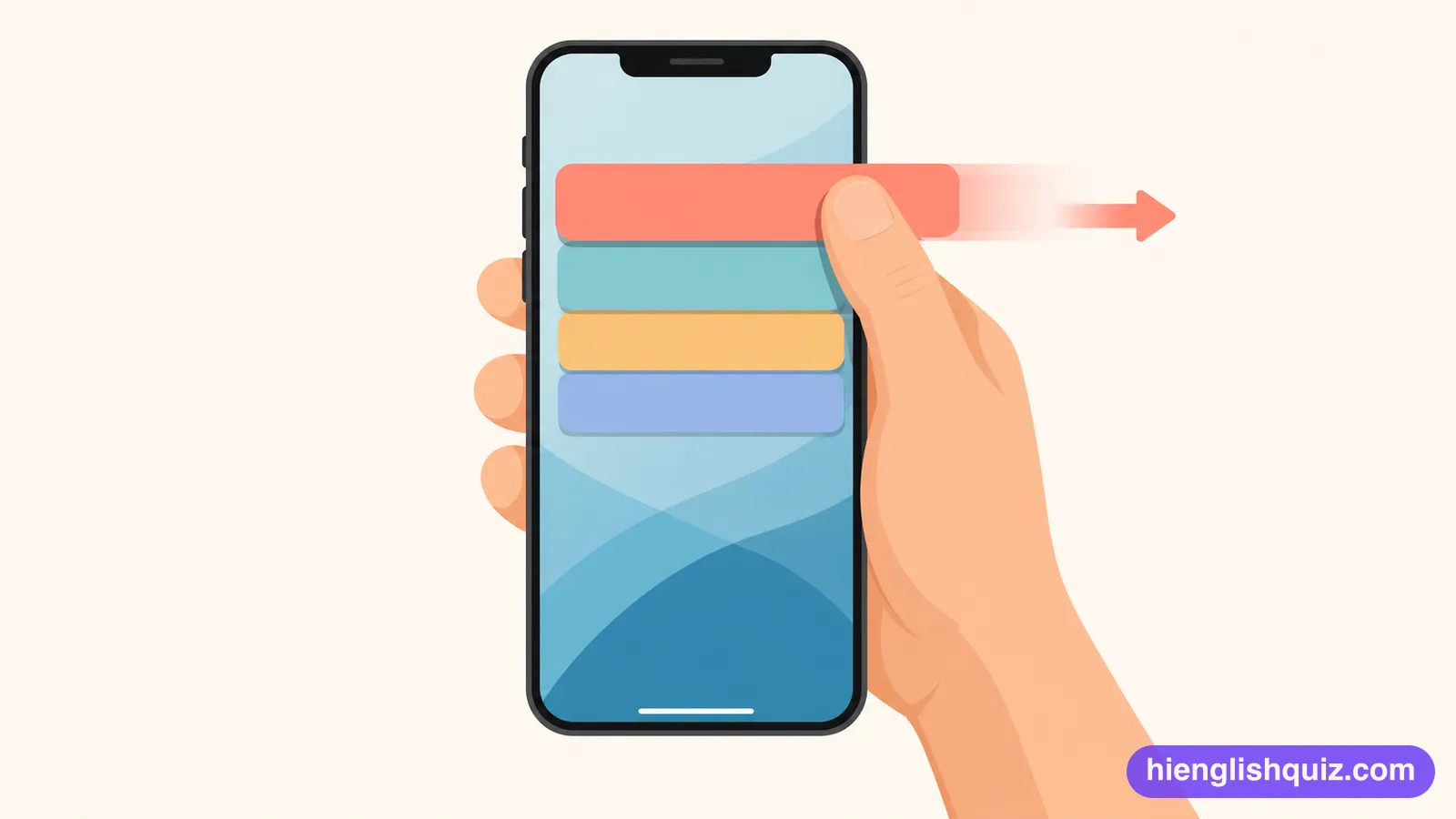
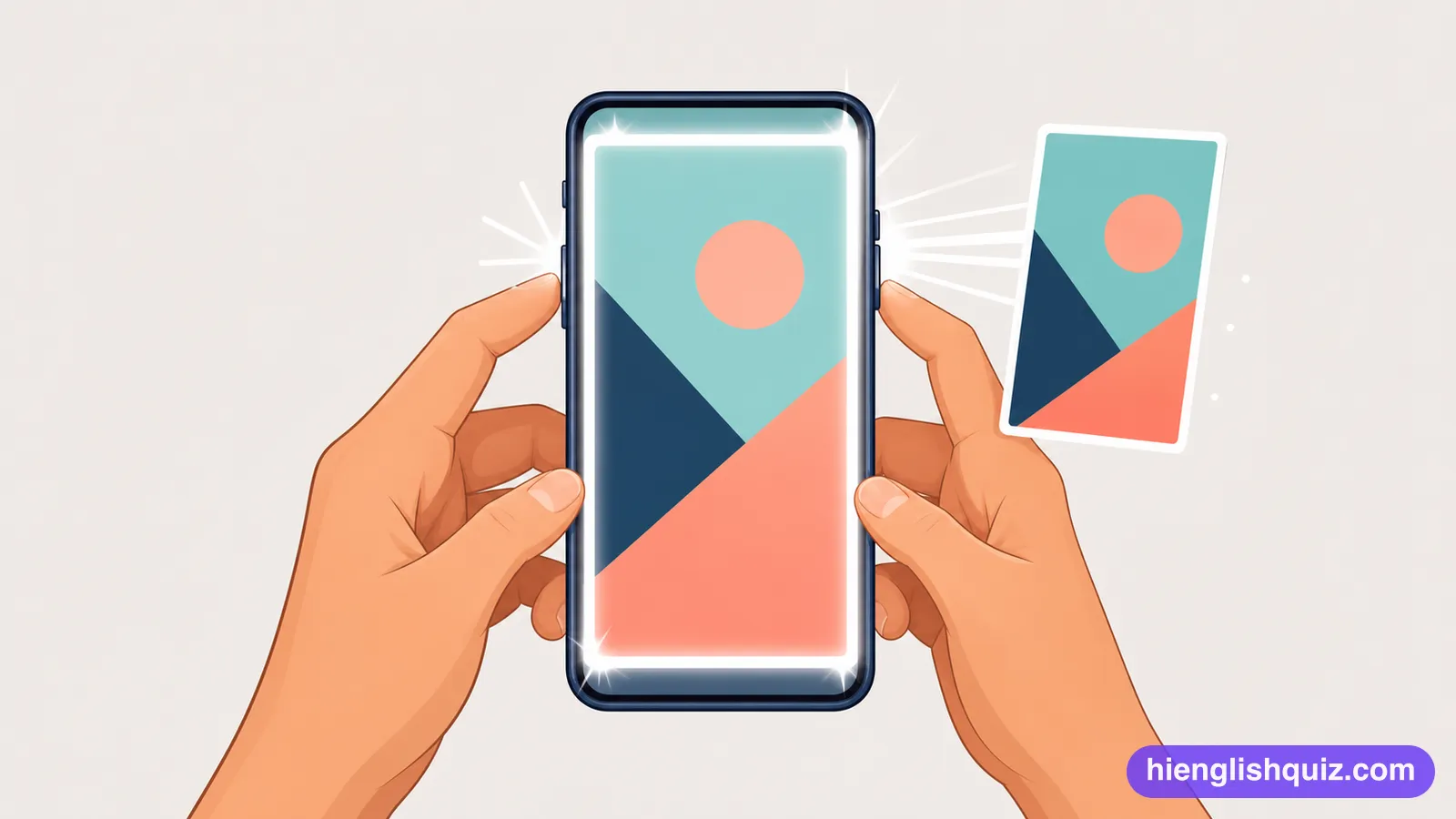
A picture you take of whatever your phone or computer is showing at that moment.
Example: Send me a screenshot of the booking page.
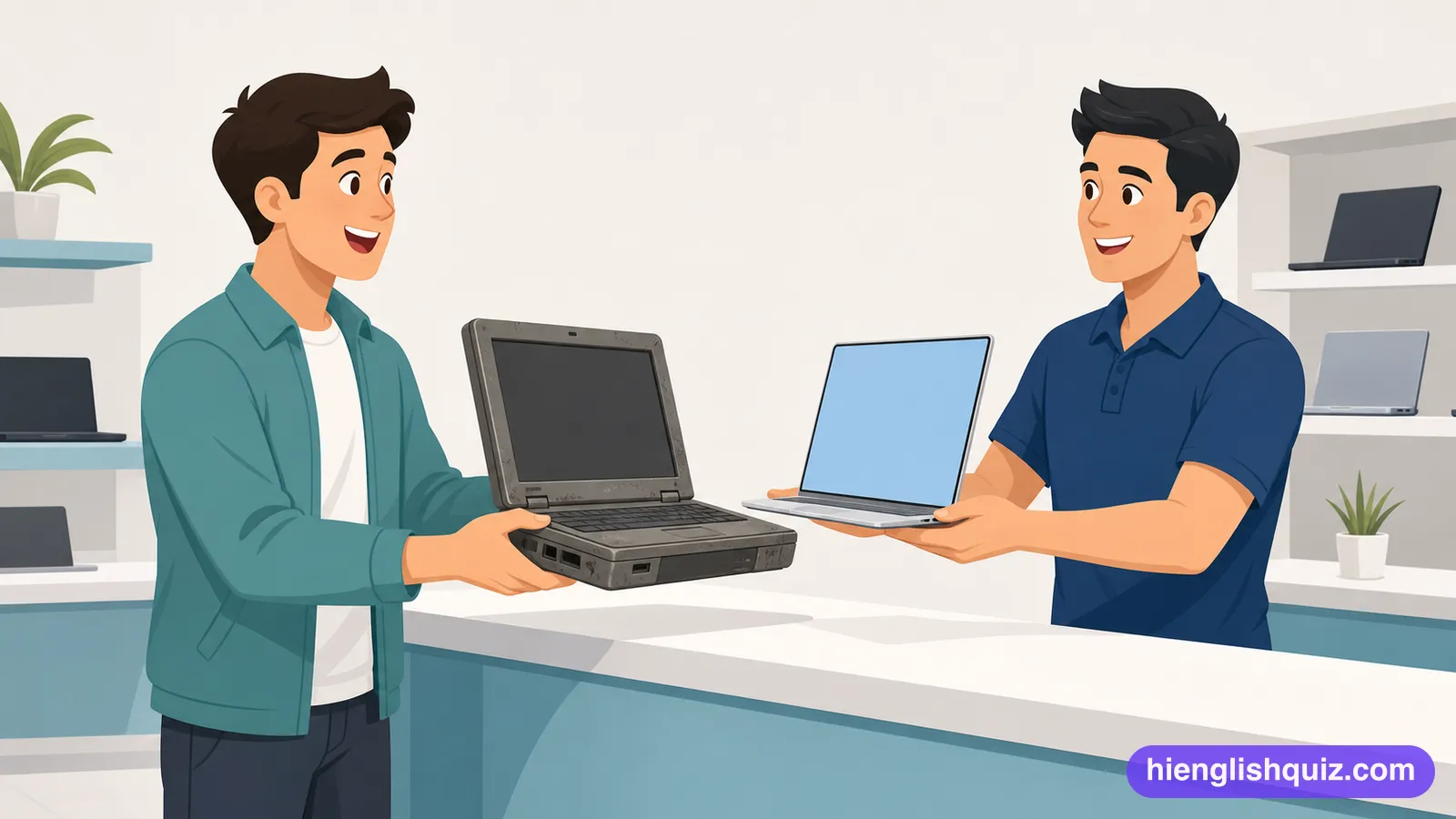
To replace a machine or service with a newer and better one.
Example: I finally upgraded my old laptop to a faster model.
How long a phone's battery lasts before it needs charging again.
Example: The new model has much better battery life.
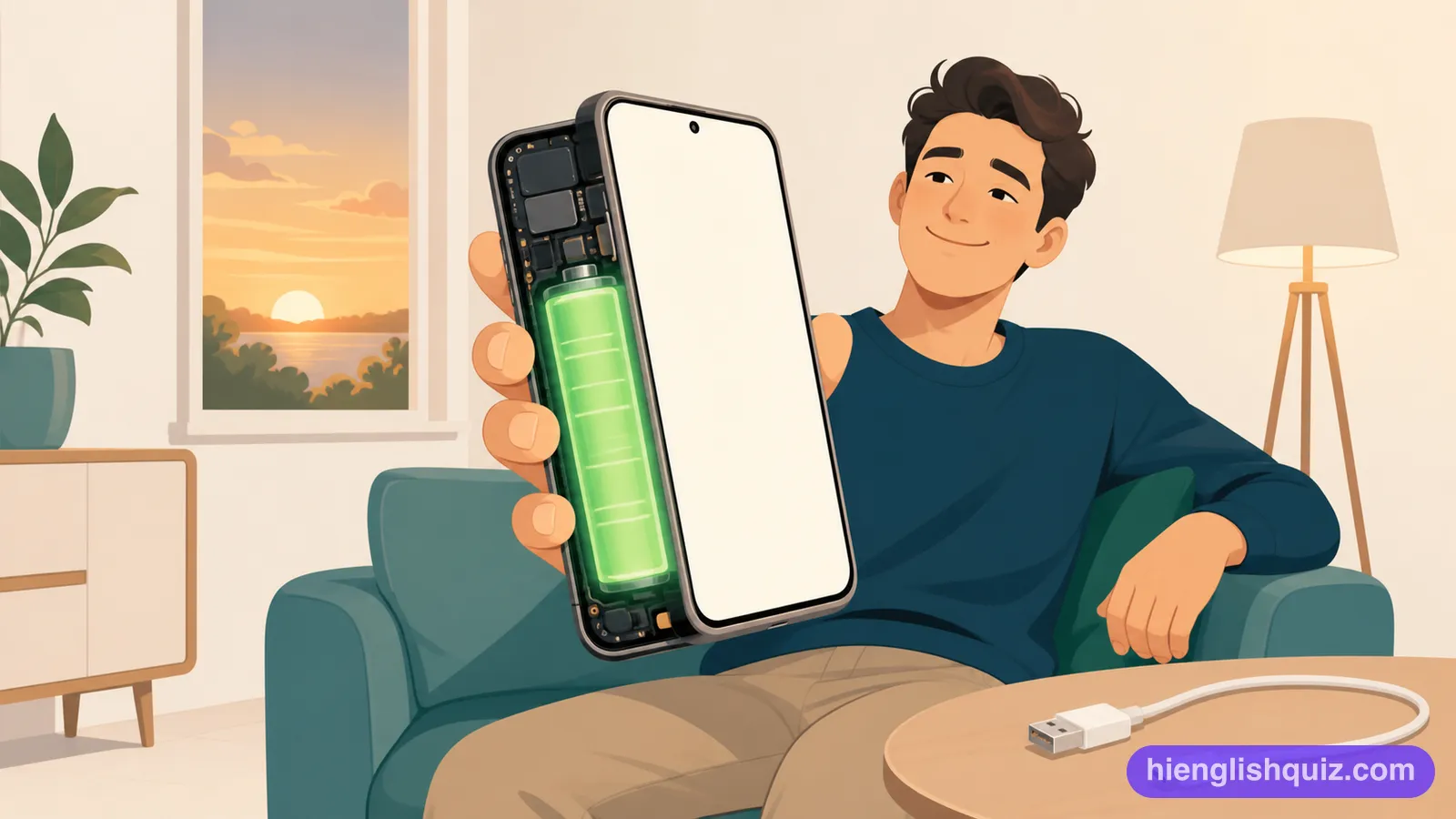
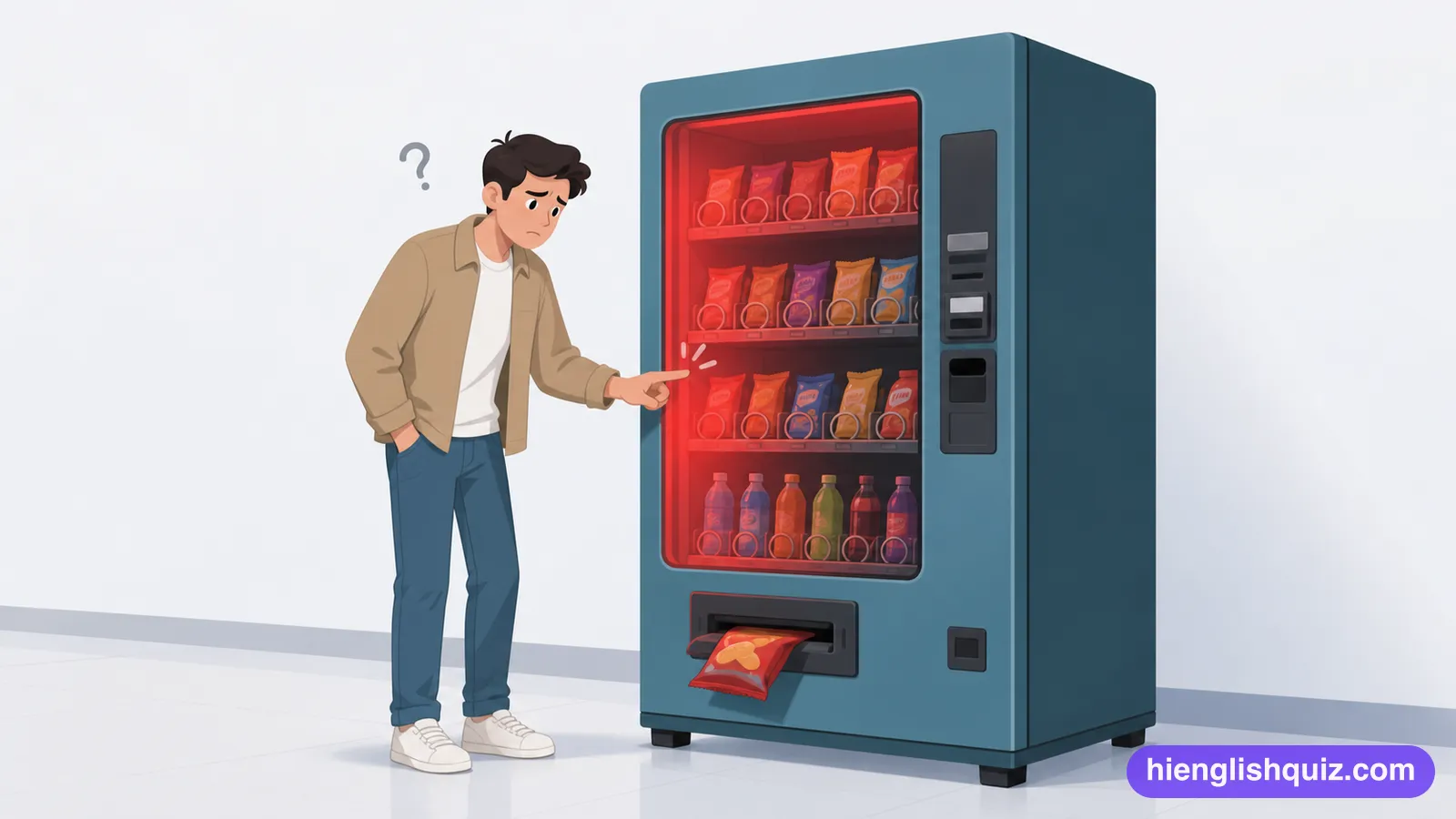
Reacting quickly and smoothly to touch or commands.
Example: The new screen feels much more responsive than the old one.

The sharpness and clarity of a screen or photo, based on how many pixels it has.
Example: The camera takes photos in very high resolution.

To turn something, such as a screen's image, so it faces a different direction.
Example: The screen will rotate automatically when you turn the phone.
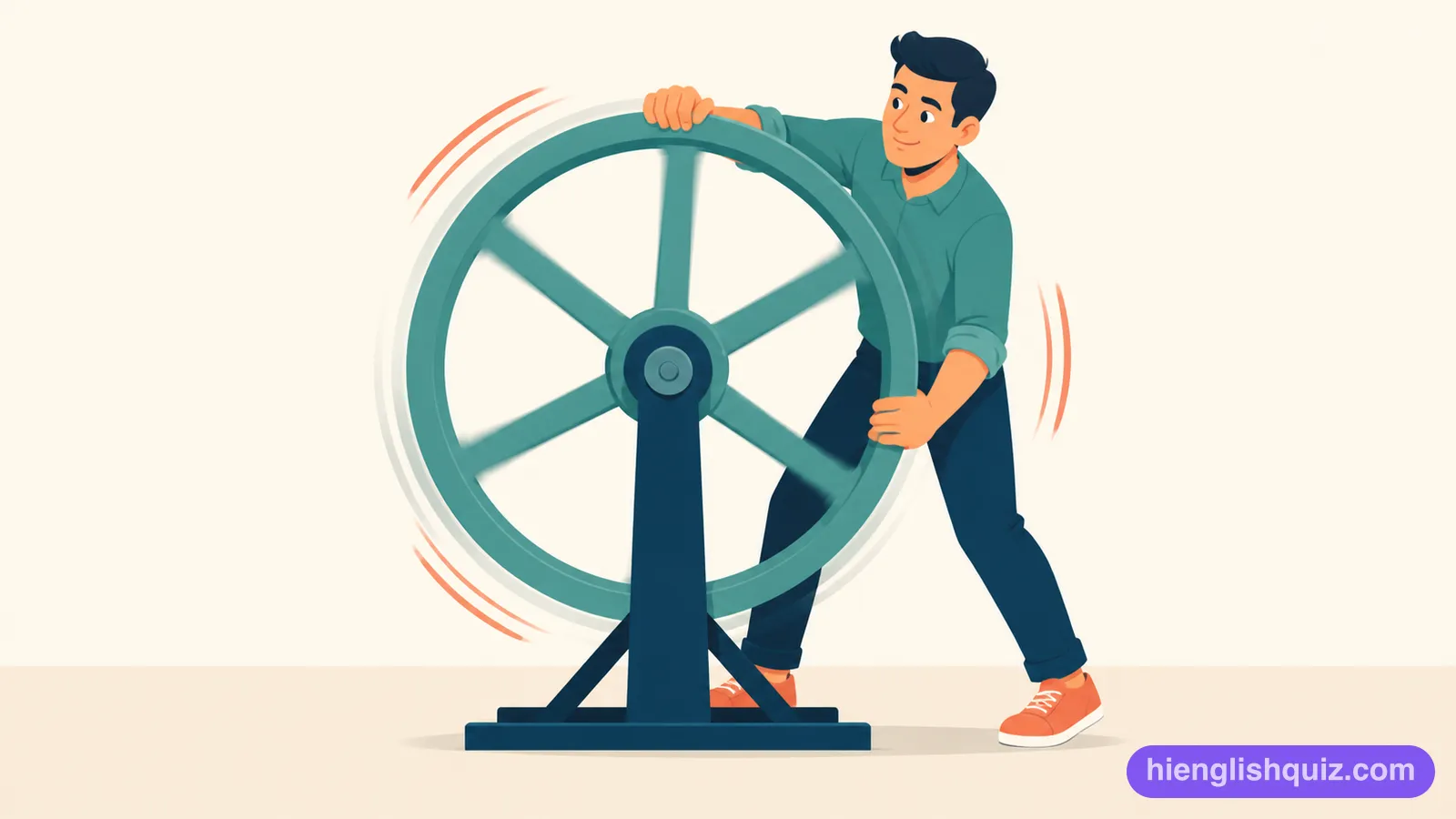
A small tool on a phone's home screen that shows quick information, like the weather or time.
Example: She added a weather widget to her home screen.
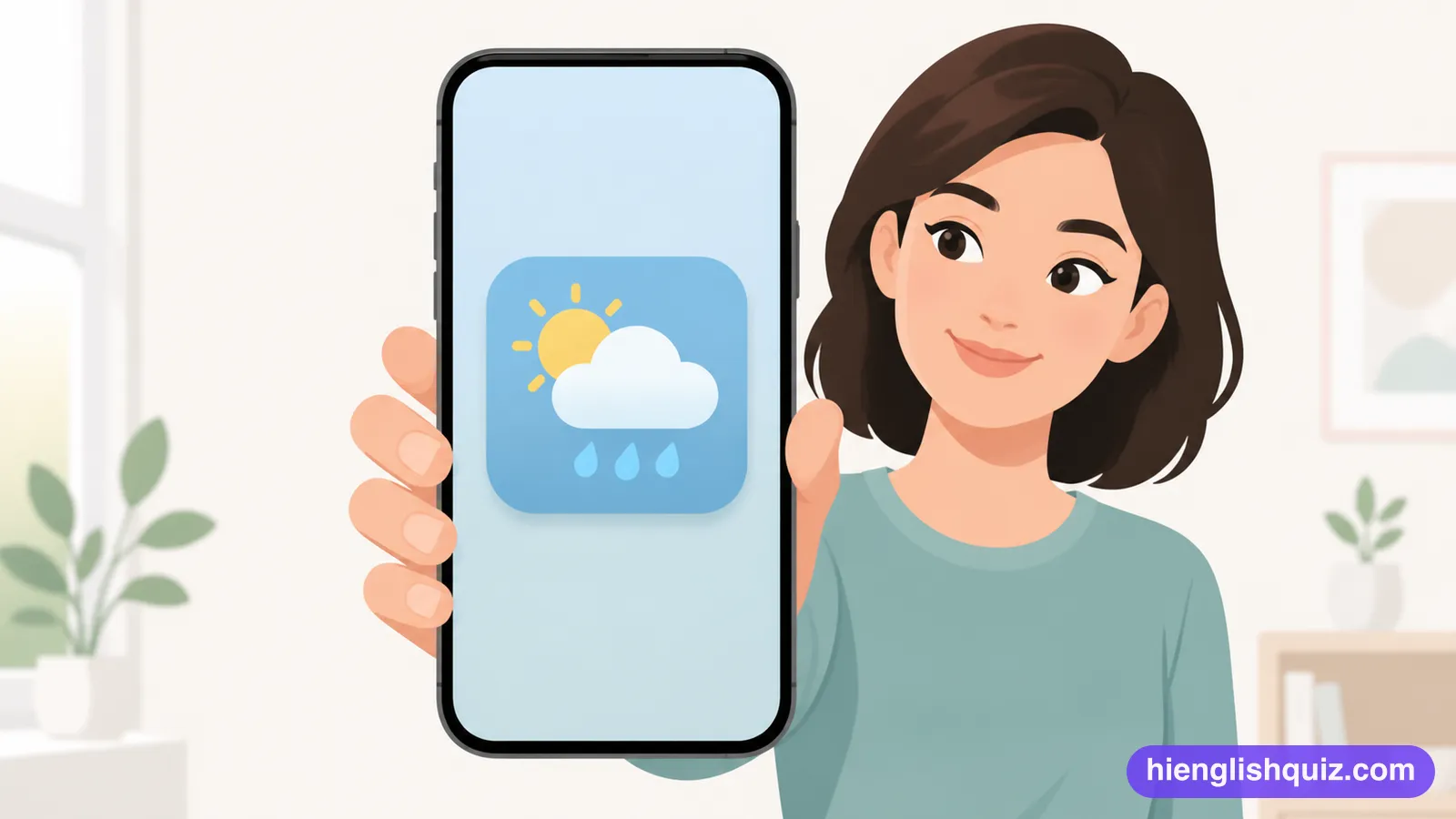
An app that keeps running on a phone even when you are not actively using it.
Example: Closing every background app can help save battery.